SilverCrest SBL 3 D1
54 - English
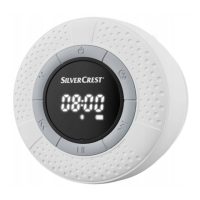
• Press the ▸II button (5) briefly. The display (2) reads "A ON" (if the
alarm is enabled) followed by the alarm time set or "A OFF" if the alarm
is disabled.
"AL“ (14) is lit on the display when the alarm is enabled.
9.9 Stopping the alarm
While the alarm is sounding, the time (10) flashes on the display (2). The
alarm switches off automatically after approx. one minute. Press any
button to stop the alarm manually.




 To Next Page