GB/IE/NI/CY/MT 15
Only clean the housing with a dry, soft cloth.
Never use abrasive and/or scratching cleaning
agents.
Remove dust deposits from the unit with a hoover.
Store the unit in a dry environment.
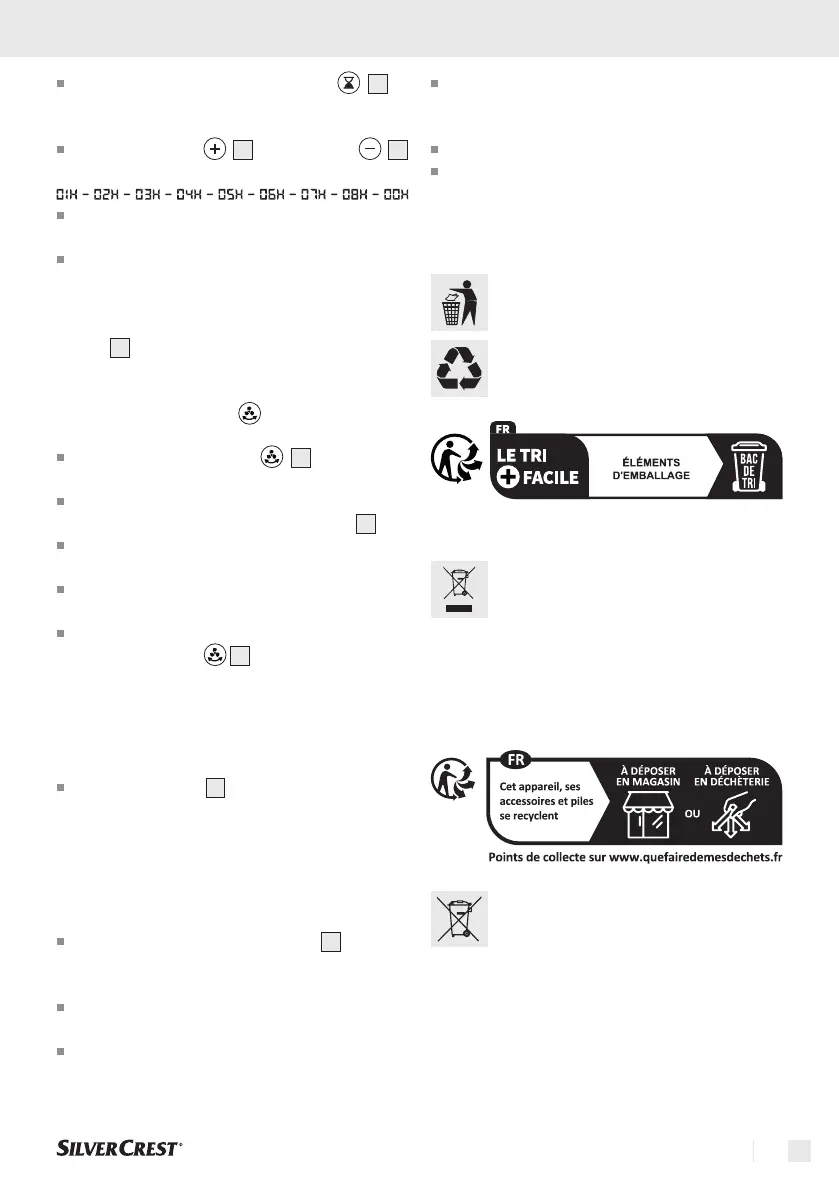
8. Disposal
The packaging is made of environmental-
ly friendly materials that you can dispose
of at your local recycling centres.
The Triman logo is valid in France only.
This product is subject to the Europe-
an Directive 2012/19/EU. Do not dis-
pose of the product in household waste,
but via municipal collection points for
material recycling! Further information on
how to dispose of the discarded device
can be obtained from your local authori-
ty or city council.
Batteries must be recycled in accordance
with Directive 2006/66/EC and may
not be disposed of with domestic waste.
Each consumer is legally obliged to re-
turn all batteries/rechargeable batteries
to a collection point in his municipality/
district or to the trade. This duty serves to
ensure that batteries/rechargeable bat-
teries can be directed to environmentally
friendly disposal. Only return batteries/
During operation, press the button
8
to
enter the timer function. The hour indicator
lights up.
Press the button
10
or the button
11
repeatedly to set the hour you want.
Wait approx. 10 seconds until the settings are
accepted.
After successful transfer, the display returns to
the current fan speed.
NOTE: A small dot flashes at the bottom right of the
display
4
to simulate the timer.
6.6 Oscillation function
Press the oscillation key
12
to switch the
oscillation of the unit on or off.
When successfully activated, the selected
oscillation level is shown on the display
4
.
You can choose between 4 levels of 30°-60°-
90°-120°.
The oscillation function causes the discharged
air to be distributed from left to right.
To deactivate the oscillation function, press the
oscillation button
12
until "000" appears on
the display.
6.7 Signal tone/key tones
Press the button
9
on the remote control to
switch the key tones on or off.
7. Maintenance, Cleaning
and Storage
Always unplug the mains adapter
17
when the
appliance is not in use and before any cleaning
or in case of malfunctions!
Only clean the appliance when it is switched off
and cold.
Make sure that no moisture enters the unit
during cleaning to avoid irreparable damage
to the unit.


 To Next Page
 Loading...