24 GB/IE/NI
Turning off the headphones
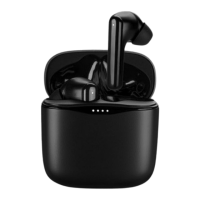
To turn off the headphones, insert the headphones in the
charging ports [8] of the charging/storage box [7].
Manually turning off the headphones
To save energy, the headphones turn to off mode automatically
when they receive no signal or cannot pair for approx.
5 minutes.
Turning the headphones to off mode manually: In paired
mode, press and hold the MF button [3] for 5 seconds. When
the headphones are paired to each other, this turns both
headphones to off mode. The Bluetooth connection is ended
automatically.
Briefly press the MF button [3] for approx. 3 seconds to
power on the headphones again. A signal sounds once the
headphones are paired to each other.
LED status
LED Status
Flashes red/white
Waiting for Bluetooth device
to pair
Flashes white
Headphones paired with
Bluetooth device










 To Next Page