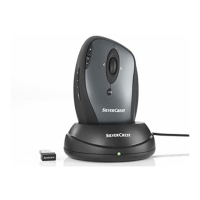
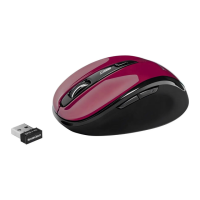
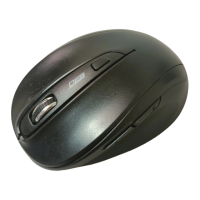
Mouse with charging cradle SOML 807 A1
10 - English
System Requirements
- Intel
®
Pentium
®
III / AMD Athlon™ or higher
- 1 free USB 2.0 port
- Microsoft
®
Windows
®
XP, Windows Vista
®
or Windows
®
7
- CD-ROM drive or DVD drive for installing the software
Hardware Installation
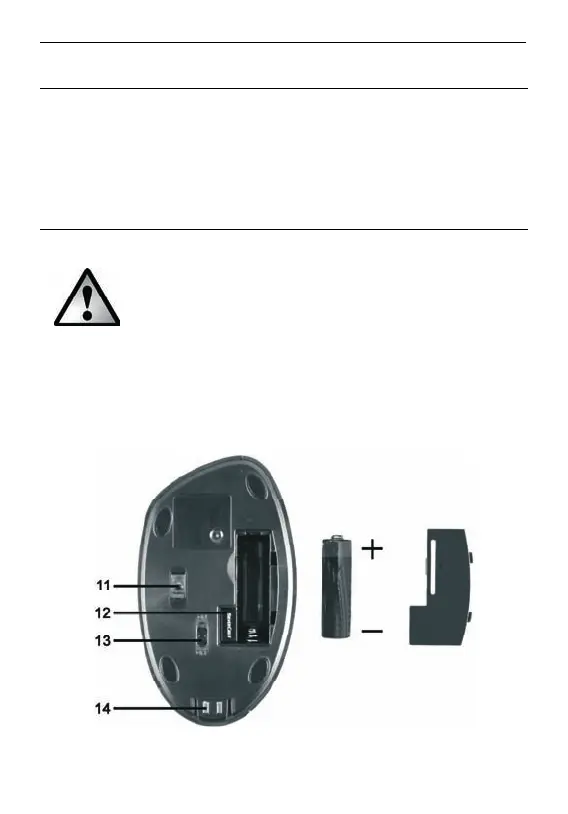
Inserting the Rechargeable Battery
Never use a conventional (non-rechargeable)
battery instead of a rechargeable battery. You must
never place the mouse on the charging cradle with a
conventional (non-rechargeable) battery inserted
into it. There is danger of explosion and risk of
leakage. Any leaking gases and liquids are harmful.
Please charge the battery before first use of the product. To do this,
insert the battery into the wireless mouse and then place the mouse
onto the connected charging cradle.






 To Next Page