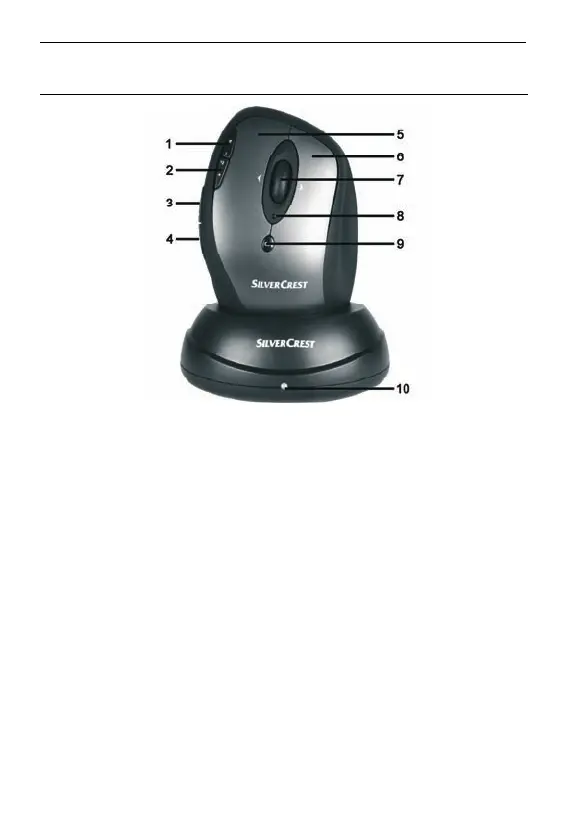
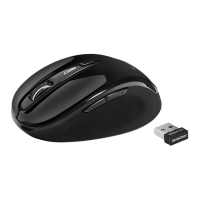
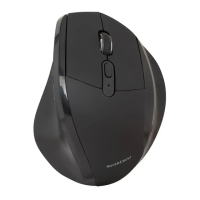
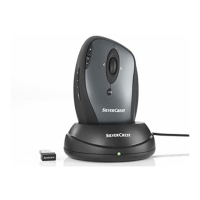
Mouse with charging cradle SOML 807 A1
English - 1
Overview
1 Zoom - (default mode)
Play / Pause (media mode)
2 Zoom + (default mode)
Launch Media Player (media mode)
3 Back (default)
Previous title (media mode)
4 Forward (default)
Next title (media mode)
5 Left mouse button
6 Right mouse button
7 Tilt wheel (4-way scroll wheel)
Volume control and mute (media mode)
8 Rechargeable battery level indicator
9 800/1600 cpi toggle switch (press briefly)
Standard / media mode toggle switch
(keep pressed for 3 seconds)
10 Charging indicator






 To Next Page