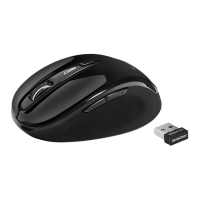
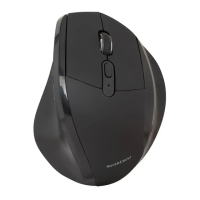
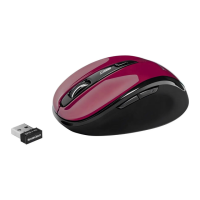
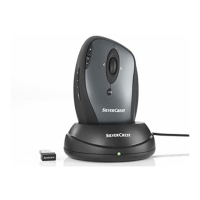
Mouse with charging cradle SOML 807 A1
English - 13
Software Installation
If you would like to use all of the functions of your wireless mouse
you need to install the software included. Insert the included CD-
ROM in the CD-ROM drive of your computer. The installation
process should start automatically, failing that, start the CD-ROM
file "SilverCrest SOML 807 A1 Driver Setup V1.0.exe" manually by
double-clicking it.
Only with the operating system Windows
®
7, Windows Vista
®
will
the installation initially be stopped by the user account control
function with the message: „An unidentified program is attempting
to access the computer”. Click on „OK“ to continue with the
installation.
The following installation illustrations correspond to the operating
system Windows
®
7, Windows Vista
®
. The windows shown in the
operating system Windows
®
XP are slightly different, but their
content is the same.
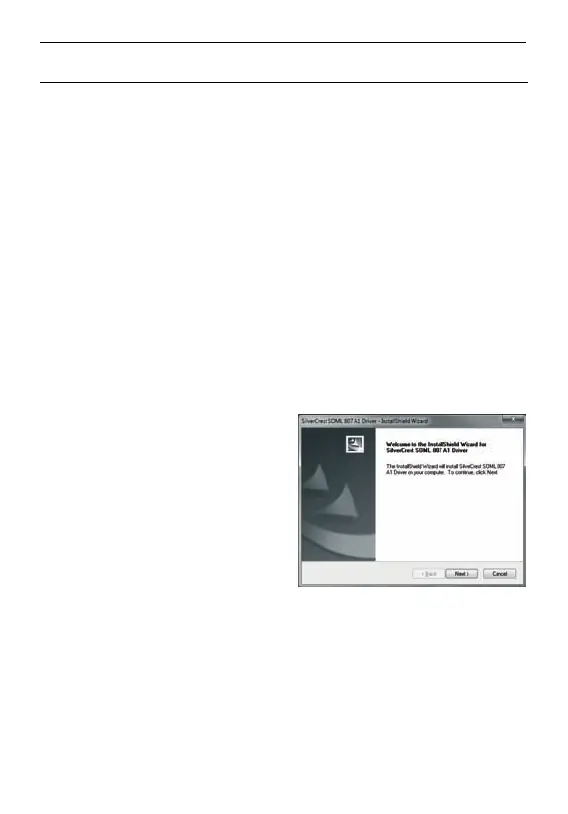
Click on Next to start the
installation.






 To Next Page