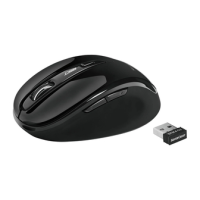
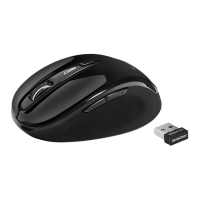
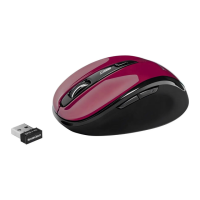
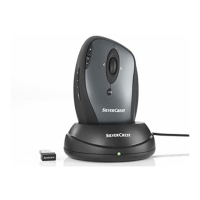
Mouse with charging cradle SOML 807 A1
2 - English
Contents
Overview .......................................................................................... 1
Important Safety Instructions ........................................................... 3
Intended Use ................................................................................ 3
Operating Environment ................................................................. 4
Children and Persons with Disabilities ......................................... 5
Rechargeable Battery ................................................................... 5
R/F Interface ................................................................................. 6
Repair and Maintenance ............................................................... 7
Copyright ...................................................................................... 7
Storing When Not Using the Product ............................................ 7
Conformity Notice ......................................................................... 8
Disposal of Old Devices ................................................................ 8
Package Contents ............................................................................ 9
Introduction....................................................................................... 9
System Requirements .................................................................... 10
Hardware Installation...................................................................... 10
Inserting the Rechargeable Battery ............................................ 10
Connecting the USB Nano Receiver .......................................... 12
Software Installation ....................................................................... 13
Operation........................................................................................ 15
Toggling between Operating Modes ........................................... 15
Configuration .............................................................................. 15
Attachment ..................................................................................... 17
Troubleshooting .......................................................................... 17
Technical Data ............................................................................ 18
Warranty Information ...................................................................... 19










 To Next Page