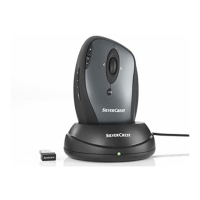
Mouse with charging cradle SOML 807 A1
English - 17
Attachment
Troubleshooting
If the wireless mouse is not being recognized following installation
or does not respond to input, please check the following:
Please check the polarity of the rechargeable battery.
Please check if the wireless mouse is switched on.
Check whether the miniature USB receiver (12) is properly
connected to the computer; see page 12 – Connecting the
USB Receiver).
Try another USB port.
Please check if the battery has been charged. If the charging
indicator (10) doesn’t light during the charging process, make
sure that the mouse is properly inserted into the charging
cradle.
Check the charging level of the battery and, if necessary,
insert a new rechargeable battery.
Please note that you need to use a mat (e.g. mouse pad) if
you intend to use the mouse on a glass surface or glossy
surface.






 To Next Page