28
3.
4.
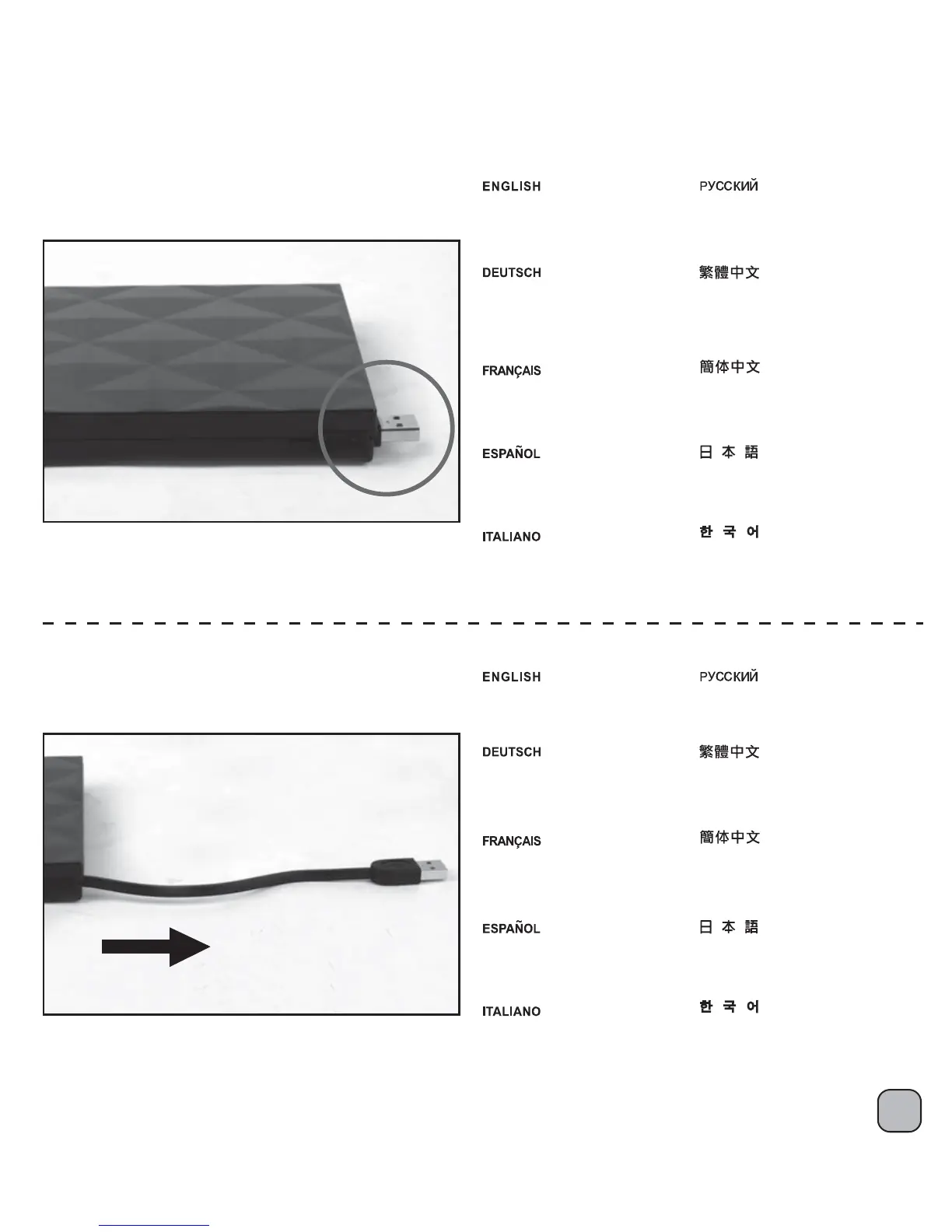
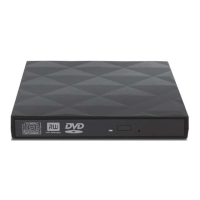
Take out the external enclosure
and pull out USB cable from top
right corner.
Снимите внешний корпус и
извлеките кабель USB из
верхнего правого угла.
Entnehmen Sie die externe
Abdeckung und ziehen Sie
das USB-Kabel von der oberen
rechten Ecke heraus.
Sortez le boîtier externe et tirez
un câble USB à partir du coin
supérieur droit.
Saque la carcasa externa y
saque el cable USB por la
esquina superior derecha.
Estrarre il contenitore esterno
e tirare il cavo USB dall’angolo
in alto a destra.
외부 인클로저를 꺼내 상단 오른쪽
모서리에서 USB 케이블을 당겨
꺼냅니다.
外部筐体を取り外し、右上からUSB
ケーブルを引き抜きます。
將USB纜線由光碟機外接盒右方拉出。
将USB缆线由光驱外接盒右方拉出。
Pull out USB cable completely.
Полностью извлеките USB-кабель.
Ziehen Sie das USB-Kabel
komplett heraus.
Tirez le câble USB complètement.
Saque el cable USB por completo.
Estrarre completamente
il cavo USB.
USB 케이블을 완전히 뽑습니다.
USBケーブルを完全に取り出します。
將USB纜線完全拉出外接盒外。
将USB缆线完全拉出外接盒外。
Optical drive installation instruction:




 To Next Page