Chapter 4 —The Learning Function
15
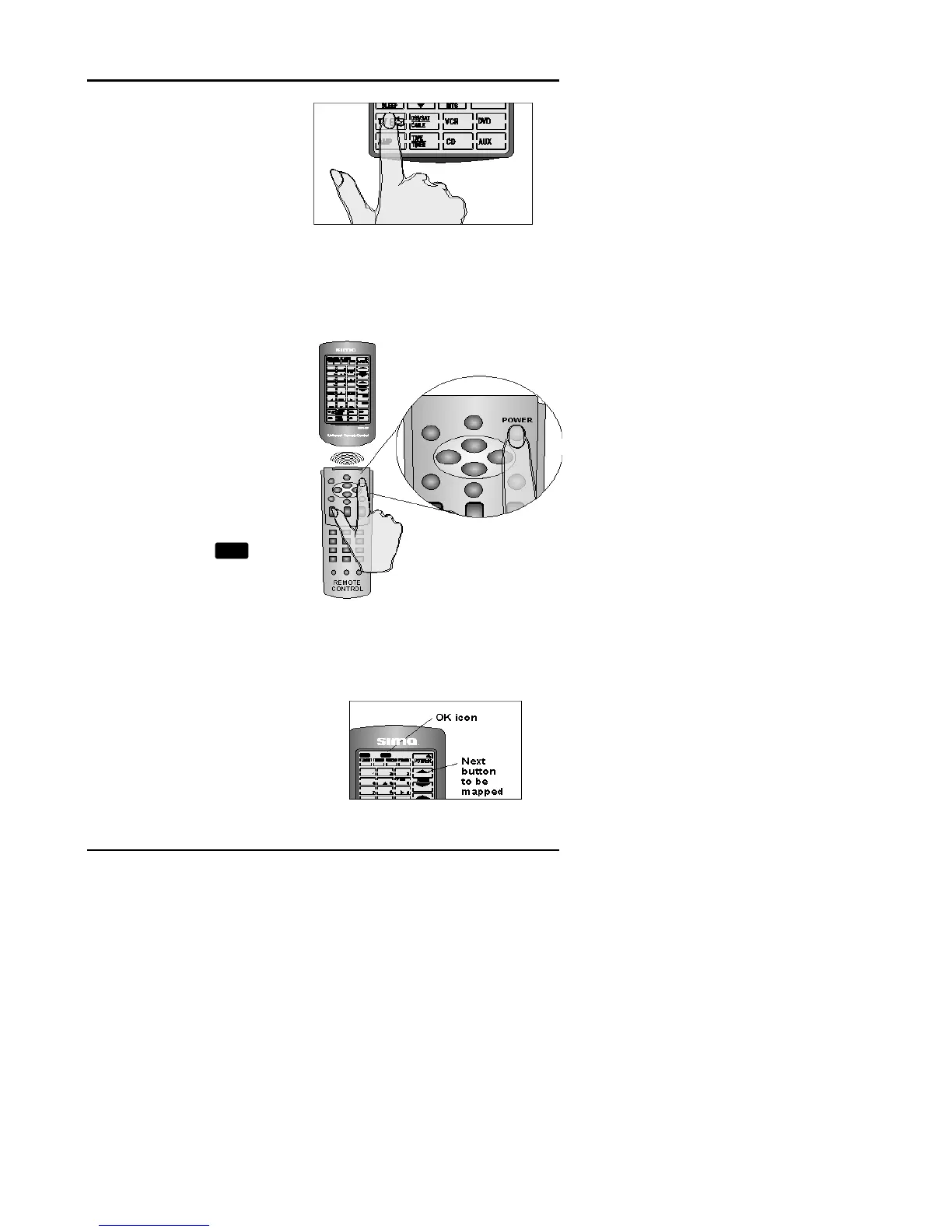
Select the device you
want to operate.
Press that device
screen button.
TIP
: You can exit this
operation by pressing the
LEARN key at any time.
Line up your remote
control and the SUR-20
learning eye, according to
the diagram at right.
The SUR-20 is now ready
to learn your remote
controls buttons. The
power button is the first
button to be assigned.
While pointing your
device’s remote control at
the SUR-20’s learning
eye, press the device’s
power button.
When you hear a beep
and see the
OK
icon,
release the button. The
power button has been
assigned. The next
button to be assigned will
start blinking on the touch
screen.
Continue to press the
buttons on your
device’s remote control,
which correspond to the
blinking buttons on the
SUR-20’s touch screen.



 To Next Page