26
Chapter 6
Chapter 6Chapter 6
Chapter 6
Using the delete function
The DELETE function enables you to:
1. erase the commands for selected buttons for a device
2. erase commands for all buttons for a device
3. erase the commands for all devices
Delete device button
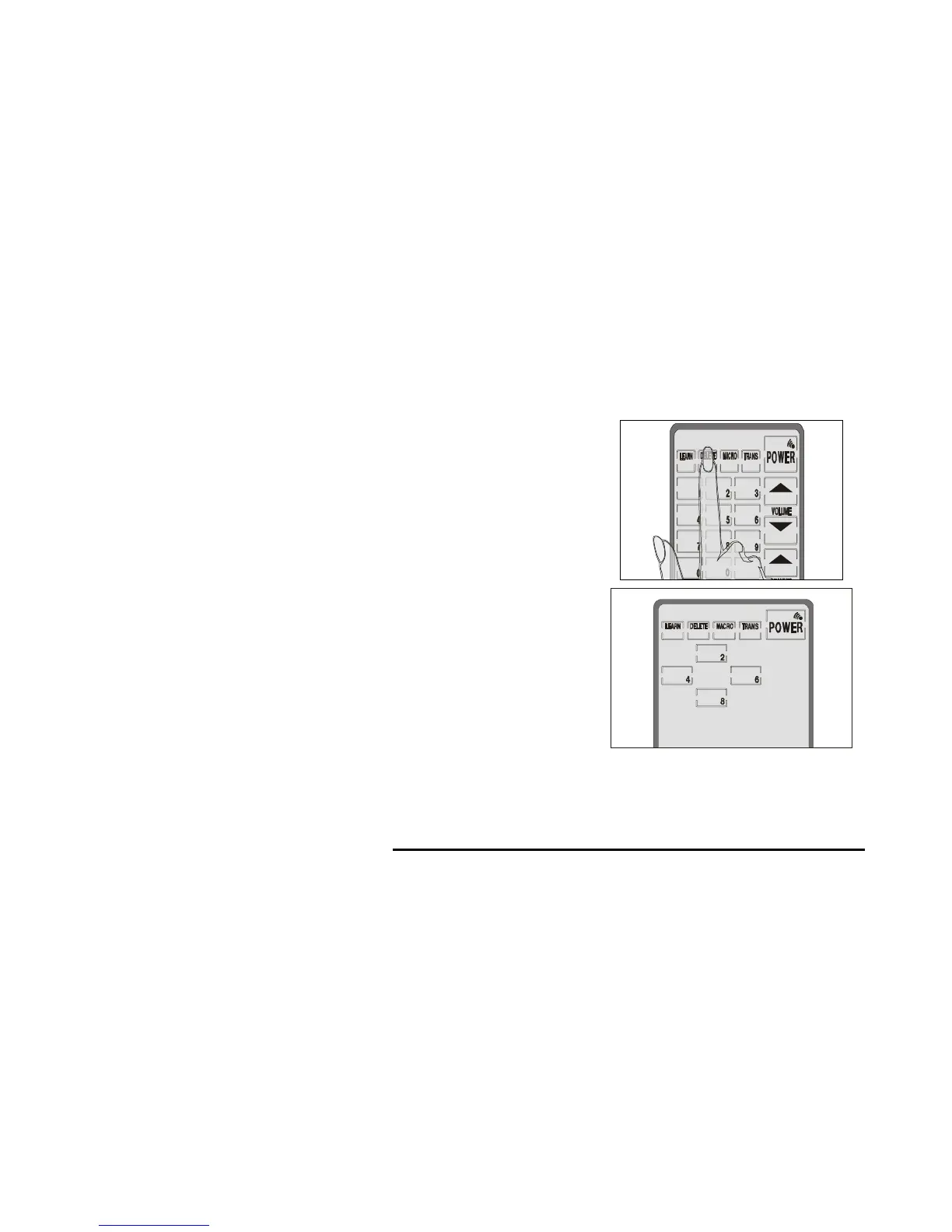
Follow these instructions to delete taught commands:
Press the delete
button for three
seconds.
1
1
You will hear two
beeps and then see
the password screen
to the right.
Note:
This screen
prevents you from
accidentally modifying
your SUR-20.



 To Next Page