www.simmonsdrums.net
23
The first name in electronic drums.
Advanced Operations
Pattern Loop This plays the Song repeatly until the STOP button is pressed
Percussion Loop This is a Song with just the Percussion part that plays repeatedly
HIT This plays a short musical phrase one time
TAP This plays a step of a musical phrase each time you play a pad
USER This is song created by the user and stored in a user location
KIT This is a song created for playing along with a kit
Editing Songs
1. Press the [SONG] Button.
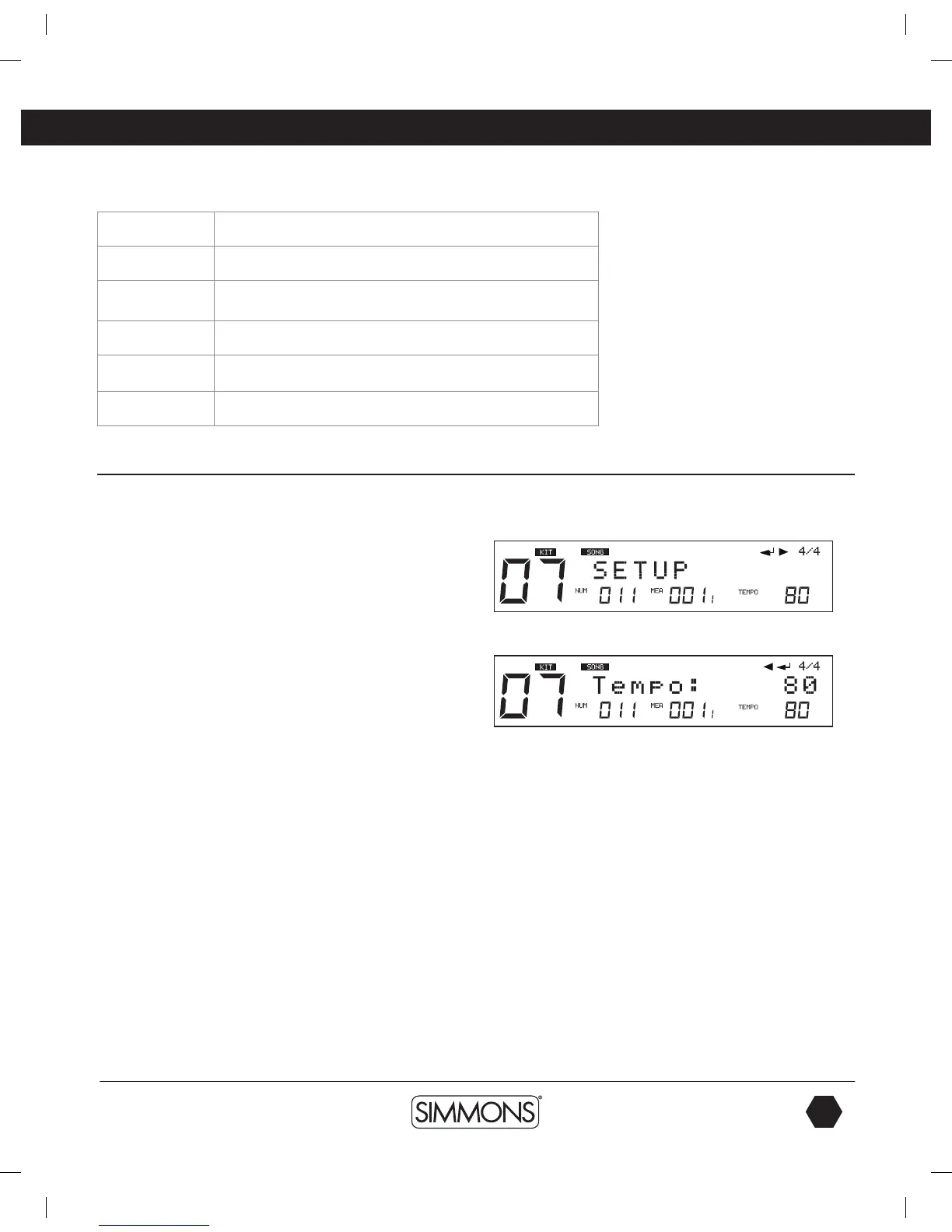
2. On song screen, press [MENU]. You will see “SETUP”
displayed on the screen.
3. Press the [SAVE/ENTER] button.
4. Press [PAGE +] or [ - ] to move between parameters for
the Song.
5. Press the [–/+] buttons to move between the Pages for the settings
of the song - Tempo, Time Sig/Mode,Pre Count, Kit Link, Tap Sync.
See the definitions below.
NOTE - The parameters of Pre Count, Kit Link, Tap Sync are global
settings and cannot be saved to a user song.
Time Signature/Time-Sig
For the preset songs, this parameter shows the current song’s default
value. For the user songs that have material already recording on
them the default value is 4/4 and cannot be changed.
1. Each Song has its own mode as default.
2. If current song is the type of Loop/1Shot, the parameter can be
changed and the modification takes effect at real time. If current
song is the type of TAP/HIT, the parameter cannot be changed.
9993 Simmons SD1500 Drum Set Manual.indd 23 4/25/14 10:56 AM



 To Next Page