www.simmonsdrums.net
25
The first name in electronic drums.
Advanced Operations
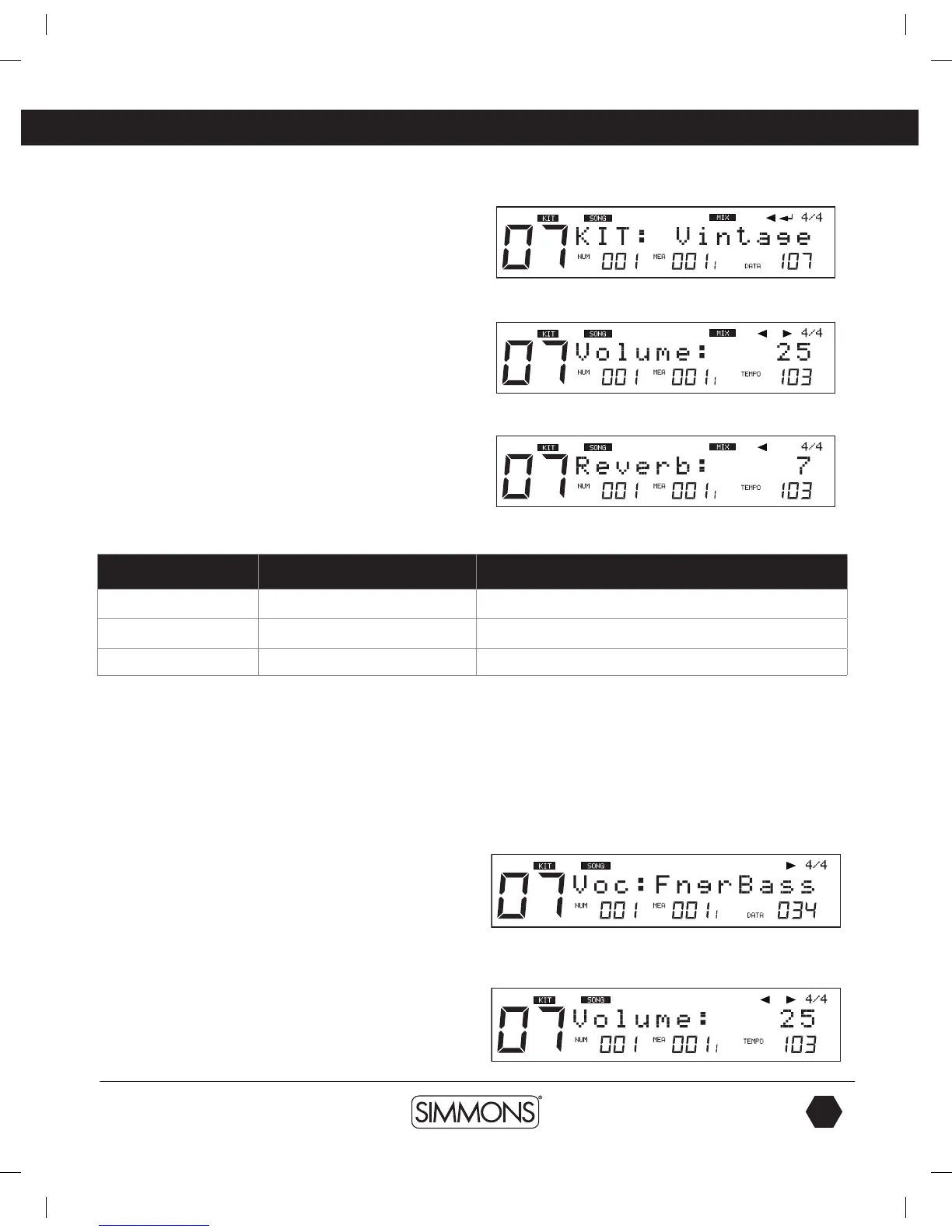
3. Press the [PAGE –/+] buttons to select the parameter you want
to edit.
4. Press [–/+] buttons or the [VALUE DIAL] to adjust settings of
the parameters.
Parameter Brief Explain Range
Kit Set Kit Number applied for drum part 1-111 (include GM KIT)
Volume Part Volume
0
~
32
Reverb Part Reverb
0
~
32
Changing Parts 1 – 5 settings
These setting are slightly different that the Drum and Percussion
part settings.
1. Select the Song part by pressing the [-/+] buttons.
2. Press the [SAVE/ENTER] button to enter the screen of part settings:
3. Press the [PAGE –/+] buttons to select the parameter you
want to edit.
4. Press [–/+] buttons or the VALUE DIAL to adjust settings of the
parameters.
9993 Simmons SD1500 Drum Set Manual.indd 25 4/25/14 10:56 AM



 To Next Page