www.simmonsdrums.net
19
The first name in electronic drums.
Kit Mode - Advanced
Editing a Kit
1. Press the KIT button.
2. Press the PAGE button to see the screen for the current sound
3. Strike a drum pad to view the Voice currently assigned
4. Press the PAGE button to move to the first parameter to be changed on the
current sound. Press the PAGE button repeatedly to step through all the
available parameters that can be changed on the voice.
5. Press the -/+ buttons to change the parameter
6. Press the SAVE/ENTER button to save the assignment to a User Kit.
(See Saving a kit)
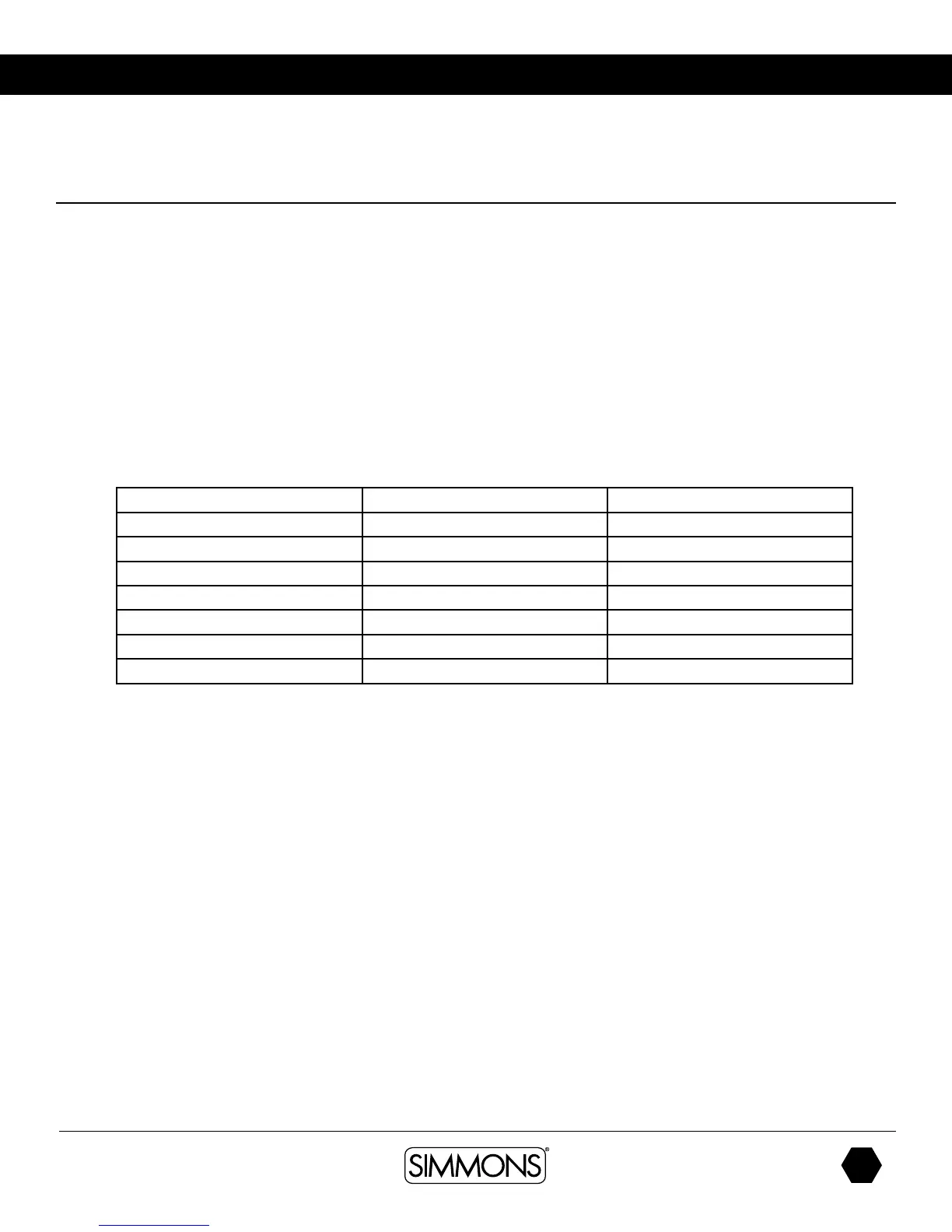
Parameter Definition Parameter Range[-/+]
voice Voice index 0-328
volume volume 0-32
Pitch Pitch -8
~
+8
Decay Decay 0
~
-5
Pan Pan L8
~
R8/ Center
R.LVL Reverb Level 0
~
32
C.LVL Chorus Level 0
~
32



 To Next Page