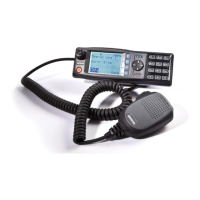
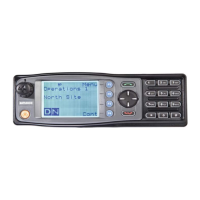
SRM9022 ~ PMR MOBILE RADIO USER GUIDE
© TMC Radio 2005 page 25 TNM-U-E-0063 Issue 1
6.1.7 Phone Book Edit Menu
The Phone book Edit Screen allows you to Add, Delete or Edit phone book entries.
6.1.7.1 ADD A NEW ENTRY
From the main Phone Book Edit Screen (at any
Phonebook Entry), just press OK.
Use the and buttons to select “Add” and press
OK.
Enter the new Entry number using the
keypad.
…..and press OK.
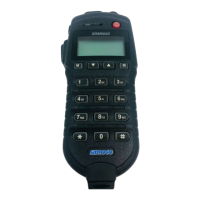
Next, enter new Entry text using the ABC
keypad (see 6.1.7.4 below),
…..and press OK again to exit back to
the Idle Screen.


 To Next Page