SRM9030plus ~ PMR Mobile Radio User Guide
© Comgroup Australia 2010 21 TNM-U-E-0092 Issue 1.1a
6.1.1 User Options
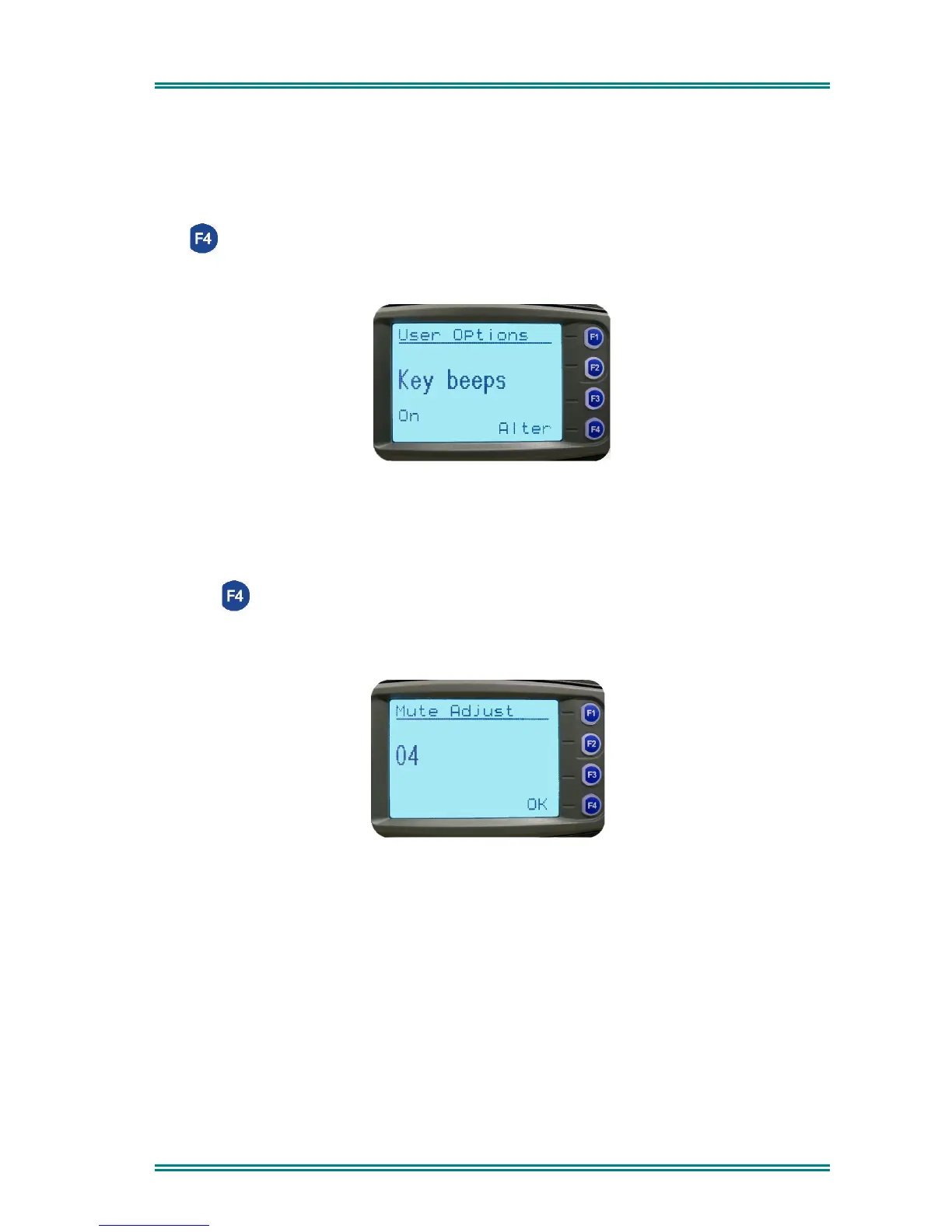
The
User Options
Screen allows the Keybeeps, Backlight, Dual Watch and DTMF facilities to
be set On or Off.
Use the Left/Right Arrow buttons to scroll between the different facilities.
The (Alter) button toggles the selection On/Off.
The setting is saved on exit.
6.1.2 Mute Adjust
Use the
Mute
Screen to view and change current Mute setting.
Use the
Left/Right Arrow
buttons to change the Mute level.
Use the (OK) button to return to the Channel Screen.
Note: When a Voting channel is selected the Voting-Mute level is shown, but may not be
changed.



 To Next Page