SRM9030plus ~ PMR Mobile Radio User Guide
© Comgroup Australia 2010 26 TNM-U-E-0092 Issue 1.1a
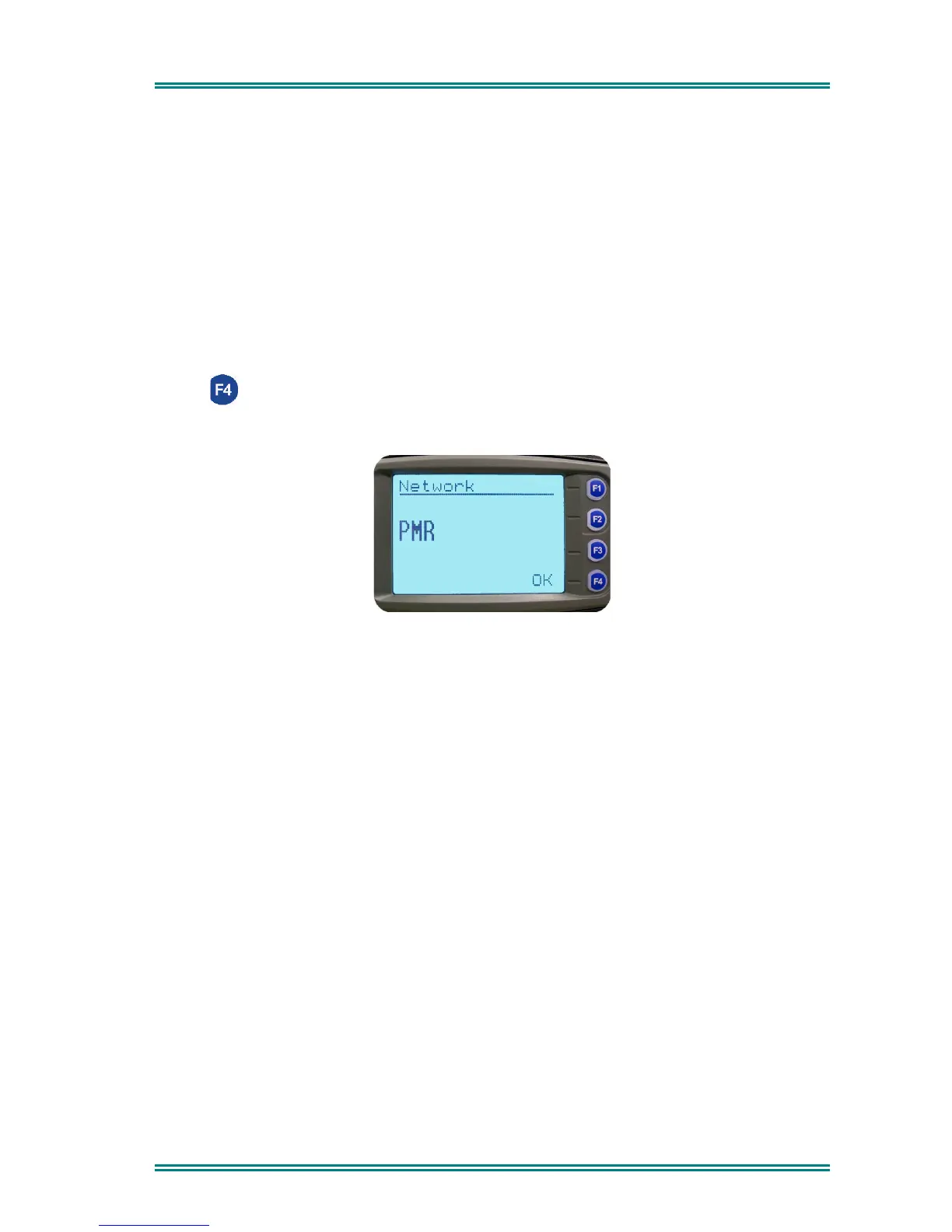
6.1.6 Network
The Network Screen allows you to switch operation between;
•
Trunk Network 1
•
Trunk Network 2
•
P25
(Xmode), or
•
PMR
modes.
Use the Left/Right Arrow buttons to make your selection.
Press (OK) to accept that selection and go to the Channel Screen.
Refer to the PMR or P25 Operating Instructions for other modes operation.


 To Next Page