SRM9030plus ~ PMR Mobile Radio User Guide
© Comgroup Australia 2010 23 TNM-U-E-0092 Issue 1.1a
6.1.3.2 Delete an entry
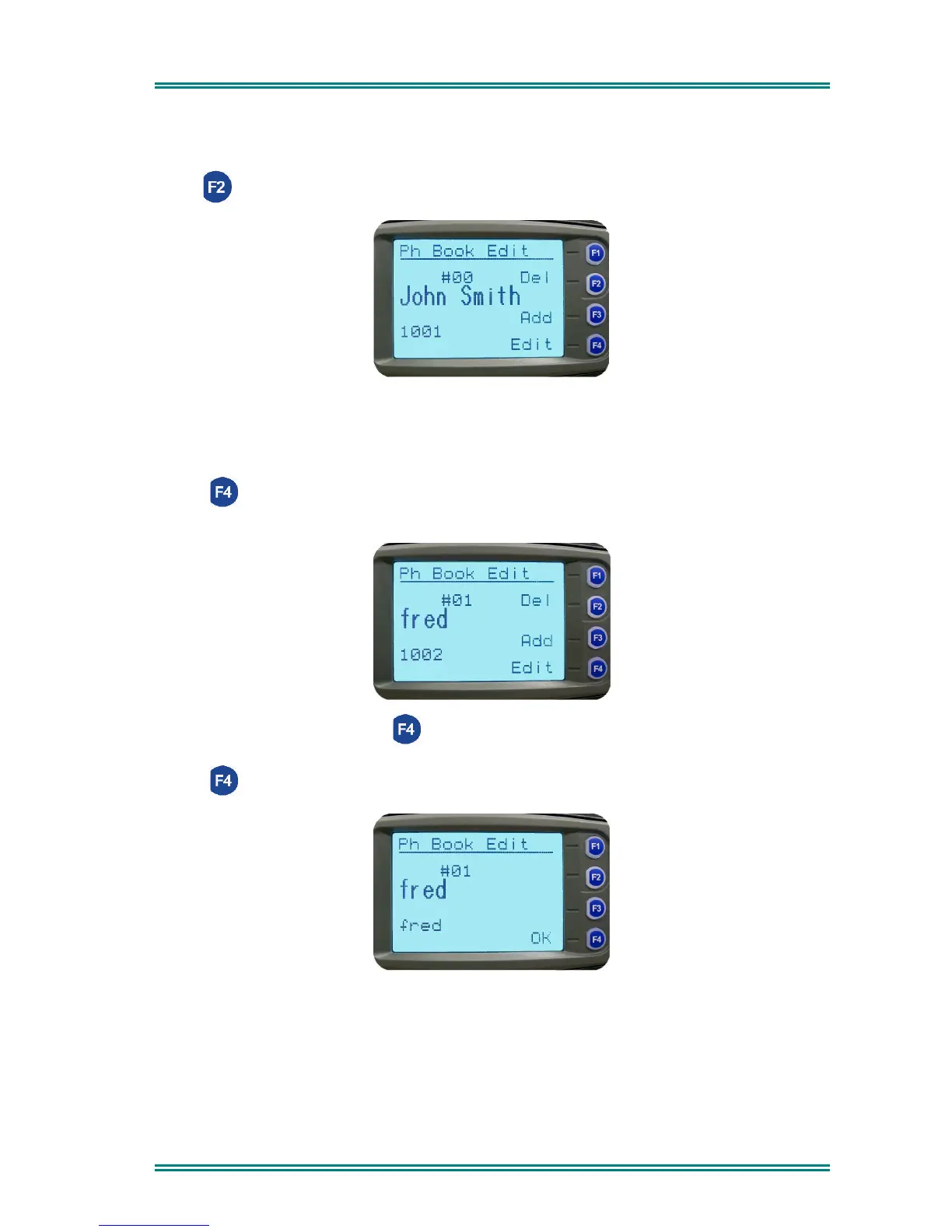
Use the Left/Right Arrow buttons to scroll to the desired phone book entry.
Press (Del) to delete the current entry and return to the Channel Screen.
6.1.3.3 Edit an existing entry
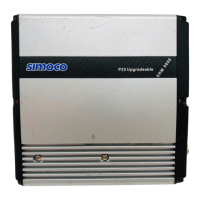
Use the Left/Right Arrow buttons to scroll to the Phonebook Entry to be edited.
Press Edit) to select the entry and present the number for editing.
(Use the Red Handset to backspace/clear an entry.)
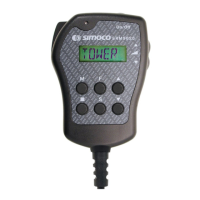
Type the new number and press (OK) to go to the Name Edit Screen.
Edit the name, refer to Section 6.1.3.1.
Press (OK) to accept the changes.


 To Next Page