14
Operating Instructions
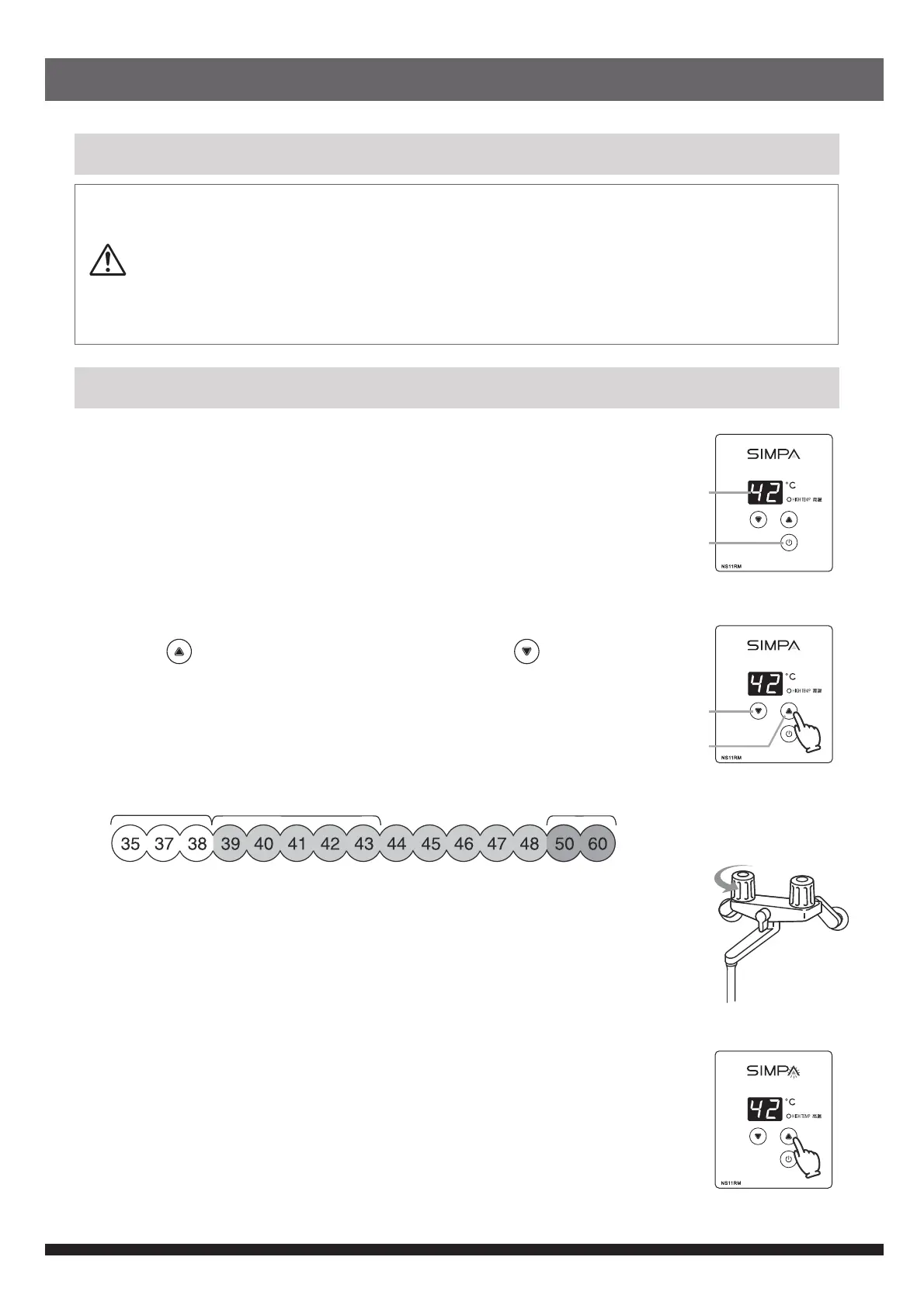
1) Switch on water heater
•
Switch on power supply of water heater and press ON/OFF button on
front panel control .
•
Temperature display lights up, the In Use indicator turns to green and
the water heater is ready for use.
•
After new installation, default temperature of 42℃ will be displayed for
the first time usage.
2) Select hot water temperature
•
Press“ “ button for a higher temperature or press“ “ button for
a lower temperature.
•
Water temperature can be adjusted from 35℃ to 60℃ and shown on
the display screen.
•
High temperature indicator is lit and temperature display flashes for
10 seconds when temperature setting is 50℃ or above.
3) Use of hot water
• When turn on hot water tap, water heater operates automatically, In
Use indicator turns to yellow.
• When hot water flow is less than minimum hot water flow, the burner
will shut down.
• When water heater is operating, hot
water temperature can only be set
up to 48℃. If the temperature setting is above 48℃, hot water
temperature can only be decreased.
4) Stop operation
• Turn off hot water tap, water heater stops operating and In Use indicator
turns to green.
• Press the ON/OFF button, temperature display and all indicator lights
will be off.
Caution
• To prevent scalding, check water temperature with your hand before use. Do not direct
water onto the head or body.
• When you turn on the tap again after using high temperature hot water, there is a risk of
being scalded as high temperature water may be left in the water pipe. Check water
temperature with your hand before use.
• Turn off the power supply, the water inlet valve and the gas valve when the heater is not to
be used for a long period of time.
Control of Hot Water Temperature
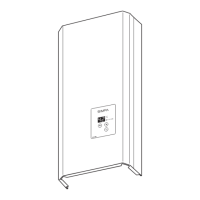
Front Panel Control
ON/OFF
button
Temperature
display
Decrease
temperature
Increase
temperature
In use indicator lights up
Shower temperatureDishwashing temperature
High temperature


 To Next Page