5
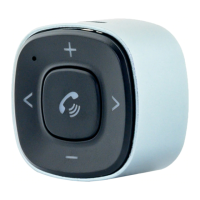
Bluetooth Module Controls
After charging your BT32XIS, unplug Bluetooth Adapter (A)
from the USB cable. Make sure the Bluetooth operation on
your phone is turned on.
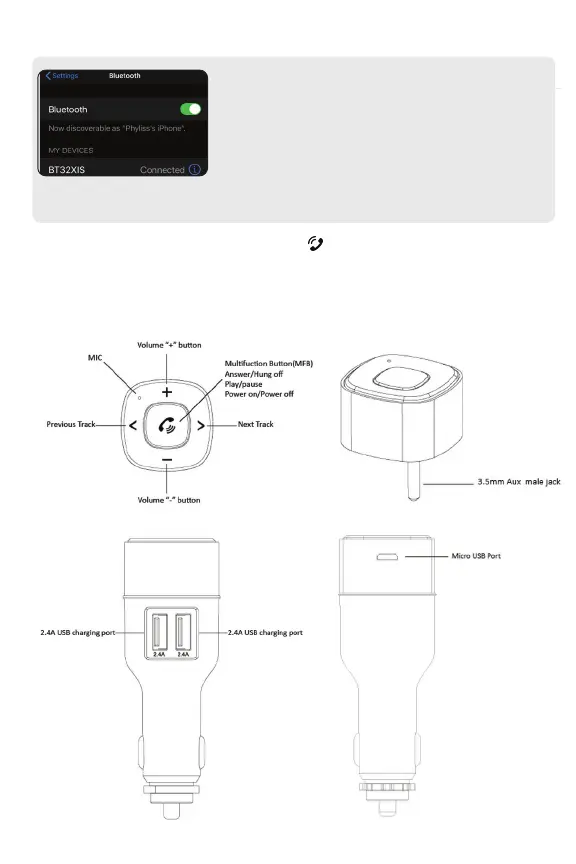
Open the Bluetooth menu on your smartphone, and scan
for available Bluetooth devices. Find “BT32XIS” from the list,
and select “Connect”.
Step 2
Control buon
When a successful connection has been established, LED light will change to a solid blue light


 To Next Page