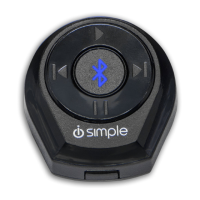
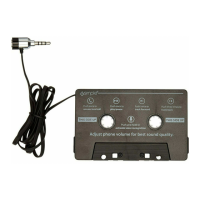
Select the AUX input source on your radio to enjoy your
music.
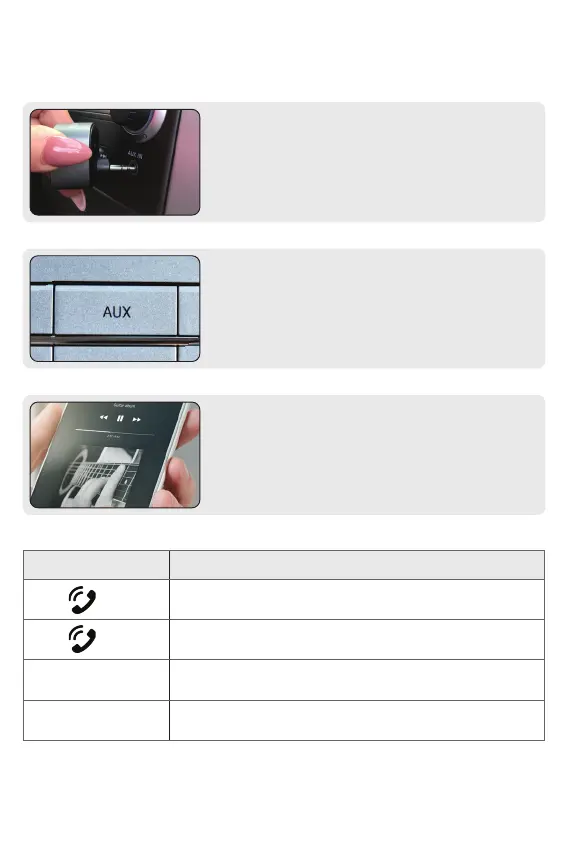
Plug BT32XIS Bluetooth Adapter (A) into the vehicle’s AUX
port.
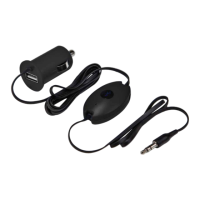
On your device, access your music/media player of choice.
Adjust the volume using your device and radio volume.
Step 1
Step 2
Step 3
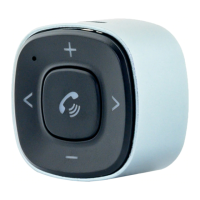
Button Description
Press main control button to play
Press main control button to pause
Press “FORWARD” button to skip track
Press “BACK” button to go back to beginning of track
Double click to go back to previous track
6
HOW TO PLAY YOUR PHONE’S AUDIO
>
<


 To Next Page