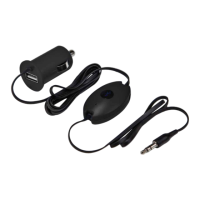
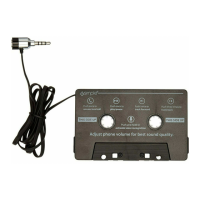
Select the AUX input source on your radio to stream your
calls through your car’s speakers.
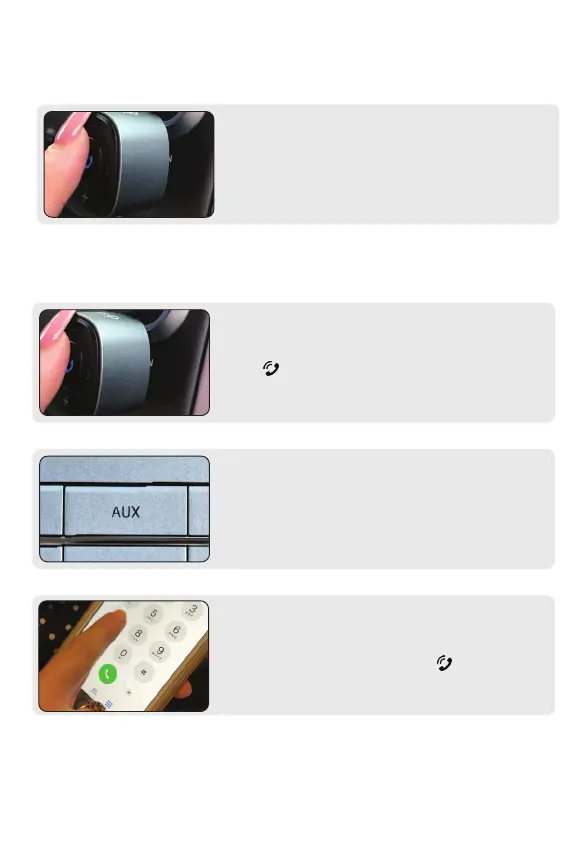
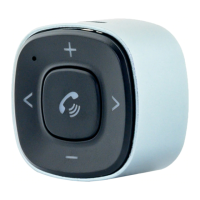
To save battery life while not in use, press the control button
(A) for 3 seconds to turn o BT32XIS.
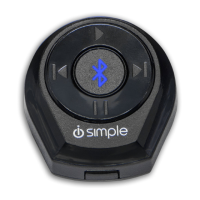
Push control button (A) once.
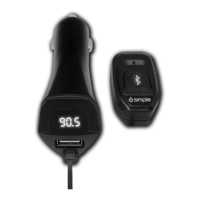
On your device, make your calls or hold control button
(A) and make calls via voice recognition (see next page).
To Answer/End Calls
To Make Calls, Set Your Car to AUX
To Make Calls
How to Power O BT32XIS
7
HOW TO SEND/RECEIVE CALLS


 To Next Page