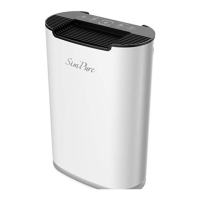
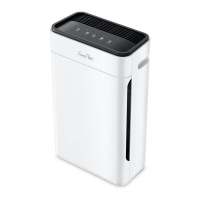
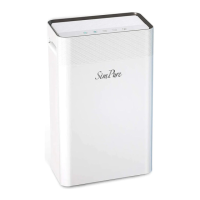
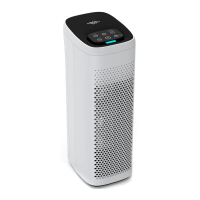
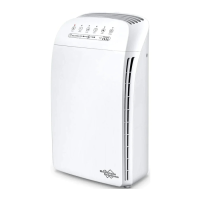
Room Air Purifier-HP3
Owner’s Manual Owner’s Manual Owner’s Manual
stay simple, stay pure
The warranties set forth herein are the only warranties made by SimPure in connection
with the product. SimPure cannot and does not make any implied or express warranties
with respect to the product, and disclaims all other warranties, including, but not limited
to, any warranty of merchantability or fitness for a particular purpose. Products sold by
SimPure are sold only to the specification specifically set forth by SimPure in writing.
Other than the limited product warranty set forth herein, SimPure makes no other
warranties, express or implied. SimPure’s sole obligation under this warranty shall be
repaired or replacement of a non-conforming product or parts of the product, or at the
option of SimPure, return of the product and a refund of the purchase price. Buyer
assumes all risk whatsoever as to the result of the use of the product purchased, whether
used singularly or in combination with any other products or substances.
For more products and technical support, please contact us at:
www.simpurewater.com
Or find us in “SimPure” Amazon Store
1-866-528-4572
Please keep the owner’s manual for future reference.
It includes operation guide and purifier maintenance for SimPure
HP3 room air purifier.
®
IV. MAINTENANCE AND CLEANING
V. TROUBLE SHOOTING
POSSIBLE CAUSE SOLUTIONS
4. Remove all packaging, then install the new filters into the air purifier in order.
5. Reinstall the back cover, please align the bottom groove first then push the top of
the cover into place, make sure it is secure against the magnetic cover holder.
6. When the filter replacement is completed, plug in and turn on the air purifier. Press
the RESET button for 6 seconds to reset the machine.
Handle
TROUBLE
MAIN CAUSE SOLUTIONS
TROUBLE
Owner’s Manual Owner’s Manual Owner’s Manual
Limited Warranty
Owner’s Manual Owner’s Manual Owner’s Manual
stay simple, stay purestay simple, stay purestay simple, stay pure
www.simpurewater.comwww.simpurewater.comwww.simpurewater.com
Make sure power plug is removed while installation, maintenance or transportation
work.
Make sure that purifier is standing against a wall so it does not fall over when
insert filters.
Do not use the air purifier without a filter element.
Do not use any detergent with abrasiveness, corrosive or
inflammability (such as bleach or alcohol) to clean any parts
of this product. Filter element inside the purifier cannot
be washed.
Fan doesn’t work.
Purifier stands on uneven ground.
Plastic packing is not removed.
Move purifier to flat ground.
Remove packing outside the filter
Bad performance
Washable filter is dirty.
There’s not enough space around
the purifier.
Space or room area is too large
Clean the dirty filter.
Keep suitable distance reference
to “Placement of Air Purifier”
Check whether room area is in
accordance with the machine
effective cover area.
Air outlet
Air inlet
Front panel
Now you can start enjoying air purified by
Congratulations!
SimPure HP3 Room Air Purifier!
®
Back Cover


 To Next Page
 Need help?
 General