Sinar Photography AG - Farbhofstrasse 21 - 8048 Zürich/Switzerland
Phone +41 (0)44 217 80 30 - Fax +41 (0)44 217 80 50 - contact@sinar.ch - www.sinar.ch
13.10.10 - Seite 11
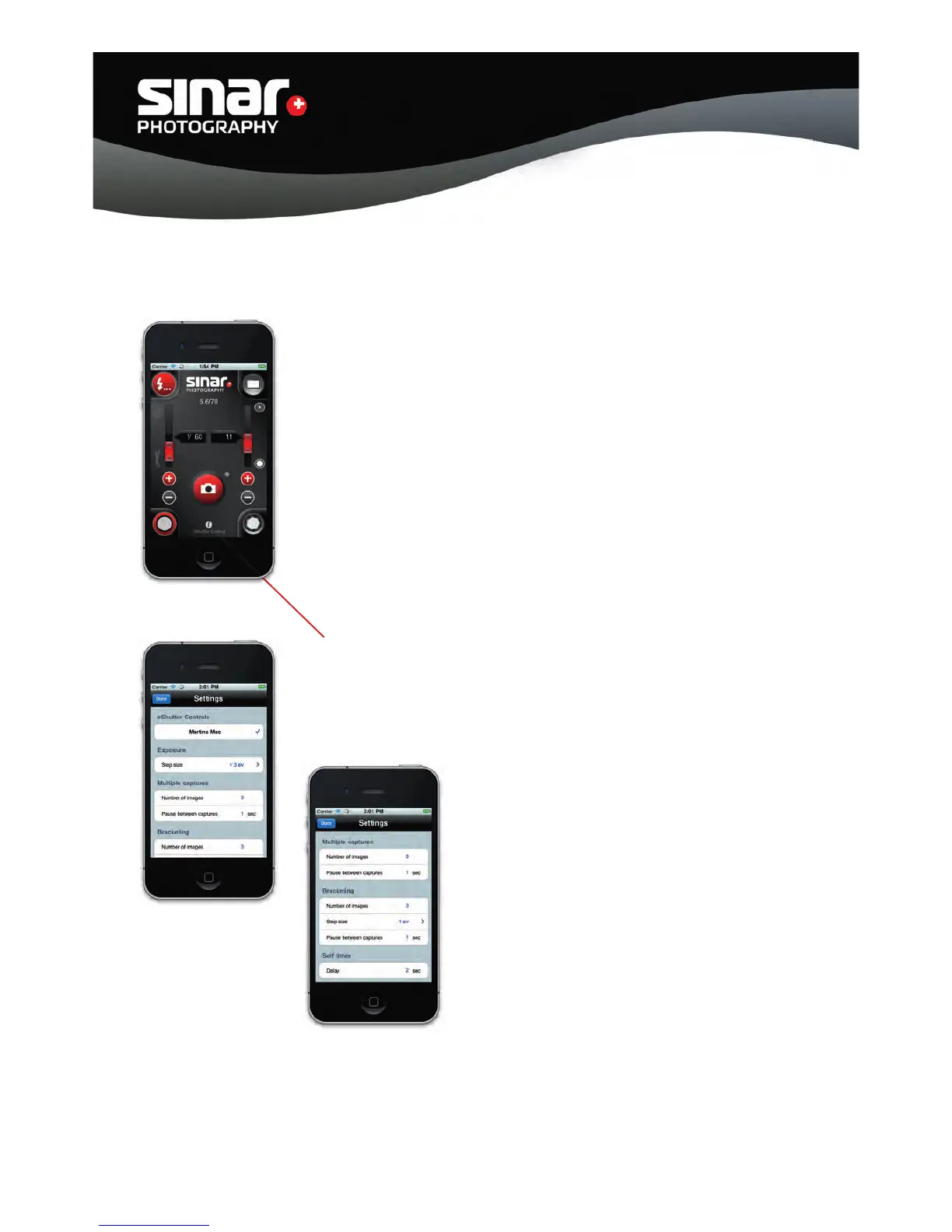
4.2 Using the Sinar App
The App for operating the the Sinar eShutter via an iPhone is available free
of charge in iTunes.
The link can also be found under www.sinar.ch
The functions of the Sinar software are identical to the operation with
your computer.
The connection to the computer should be made via the network setting.
1. Set the computer for WLAN;
2. Start the software on the computer (it may be activated in the
background)
4.3 Preferences
The Preferences are called up via this button.
The settings are identical to those described in the software under Point 3.3.



 To Next Page