Sinar Photography AG - Farbhofstrasse 21 - 8048 Zürich/Switzerland
Phone +41 (0)44 217 80 30 - Fax +41 (0)44 217 80 50 - contact@sinar.ch - www.sinar.ch
13.10.10 - Seite 7
3.2.2 Picture mode
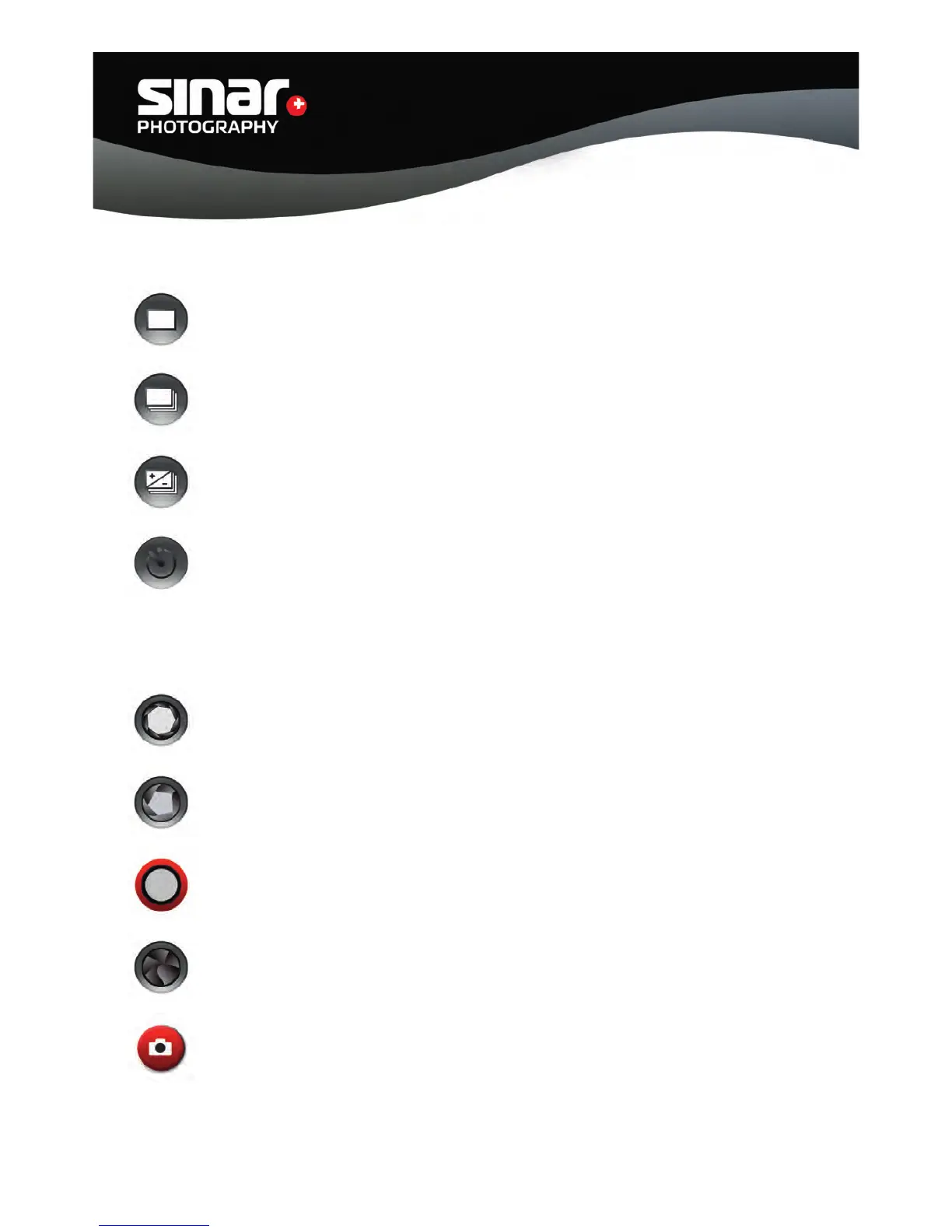
Single exposure mode
Exposure sequence mode
Bracketing
Activating an exposure sequence. The number of exposures and the bracketing of the
aperture values (f-stops) are set under “Preferences” (Chapter 3.3).
Selftimer
Activating the selftimer function. The values for the selftimer function are set under
“Preferences” (Chapter 3.3).
3.2.3 Setting the aperture (f-stop)
With this setting, the aperture is fully open.
With this setting the aperture is set at the working aperture.
Open the shutter.
Close the shutter.
Activate the shutter.



 To Next Page