Sinar Photography AG - Farbhofstrasse 21 - 8048 Zürich/Switzerland
Phone +41 (0)44 217 80 30 - Fax +41 (0)44 217 80 50 - contact@sinar.ch - www.sinar.ch
13.10.10 - Seite 9
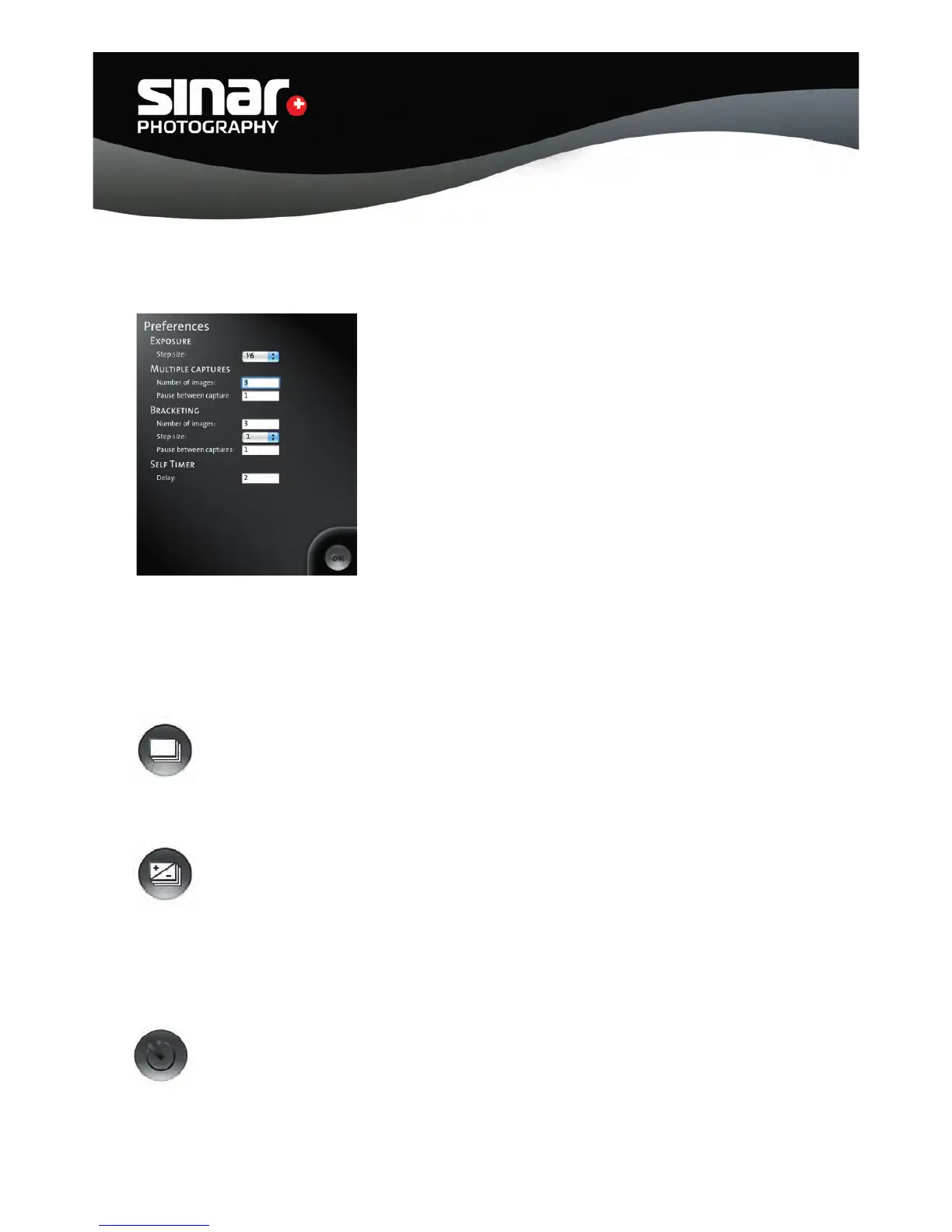
3.3 Preferences
Preferences can be called up via the “p” shortcut key or via
that title on the menu.
Exposure - Step Size
Pre-setting the aperture steps on the shutter.
The following aperture steps can be selected: 1/6, 1/3, 1/2, 1.
Multiple Captures
Number of exposures: Setting the number of exposures.
Pause between exposures: Setting the length of the pause between individual
exposures. The pauses are calibrated in seconds.
Bracketing
Number of exposures: Setting the number of exposures.
Step size: Setting the steps for the exposure series.
The following steps can be selected: 1/3, 1/2, 1, 2.
Pause between exposure: Setting the length of the pause between exposures .
The pauses are calibrated in seconds.
Selftimer
Pre-setting the delay between the activation of the shutter release button and
the actual exposure.



 To Next Page