17
For 2X/2X DP303, 5X and 7X
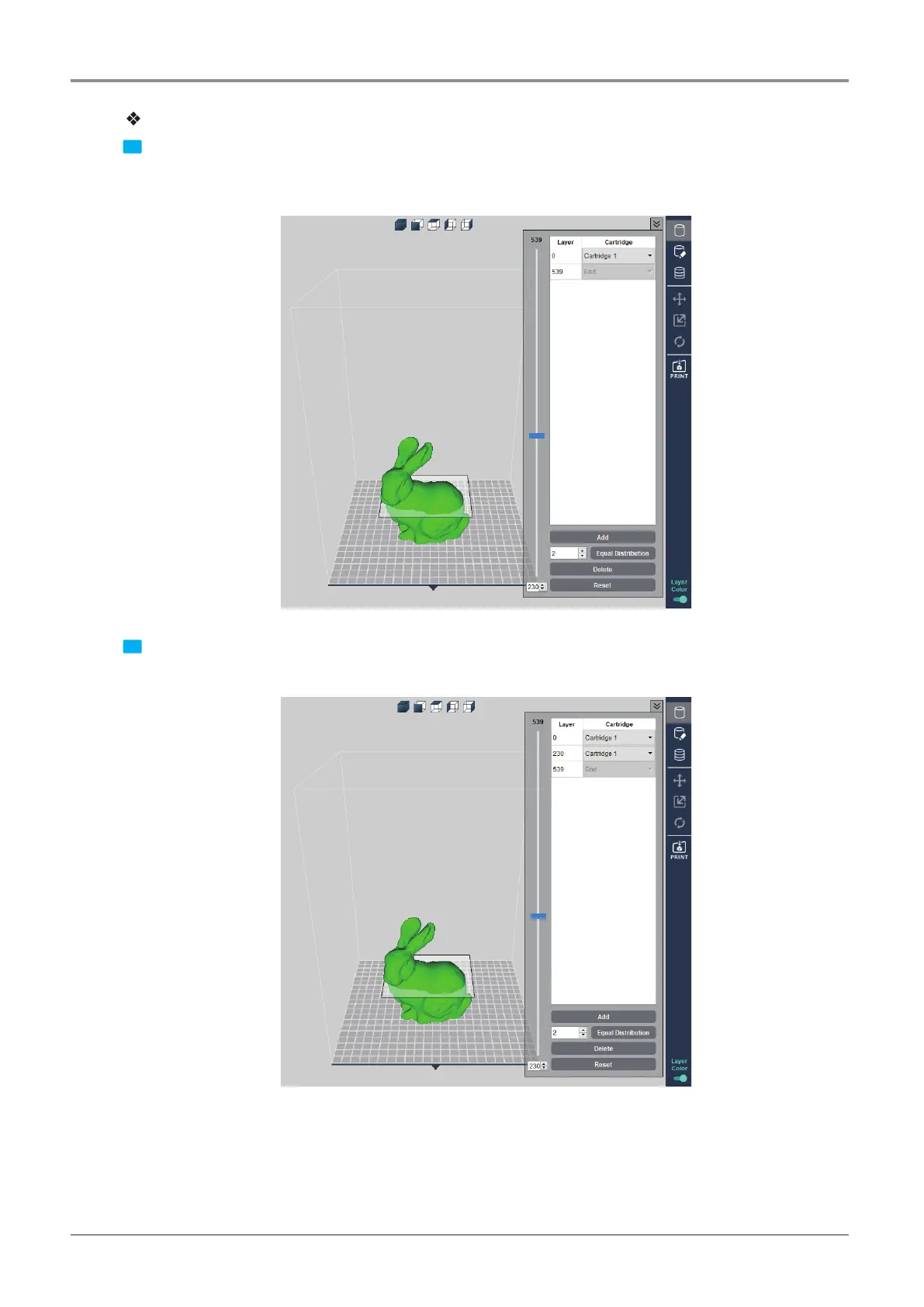
1 The Layer Color is a function to specify different cartridges for different layers. Move the left-side slider to
show slider positioned layer and the layer number. Position the slider at cartridge change desired layer
and press the [Add] button in the bottom.
2 Then, another tab is created to replace cartridges by layer. Move the slider, and press the [Add] button to
add more Layer Color.
▼



 To Next Page