User Manual of A90 Series Inverter
49
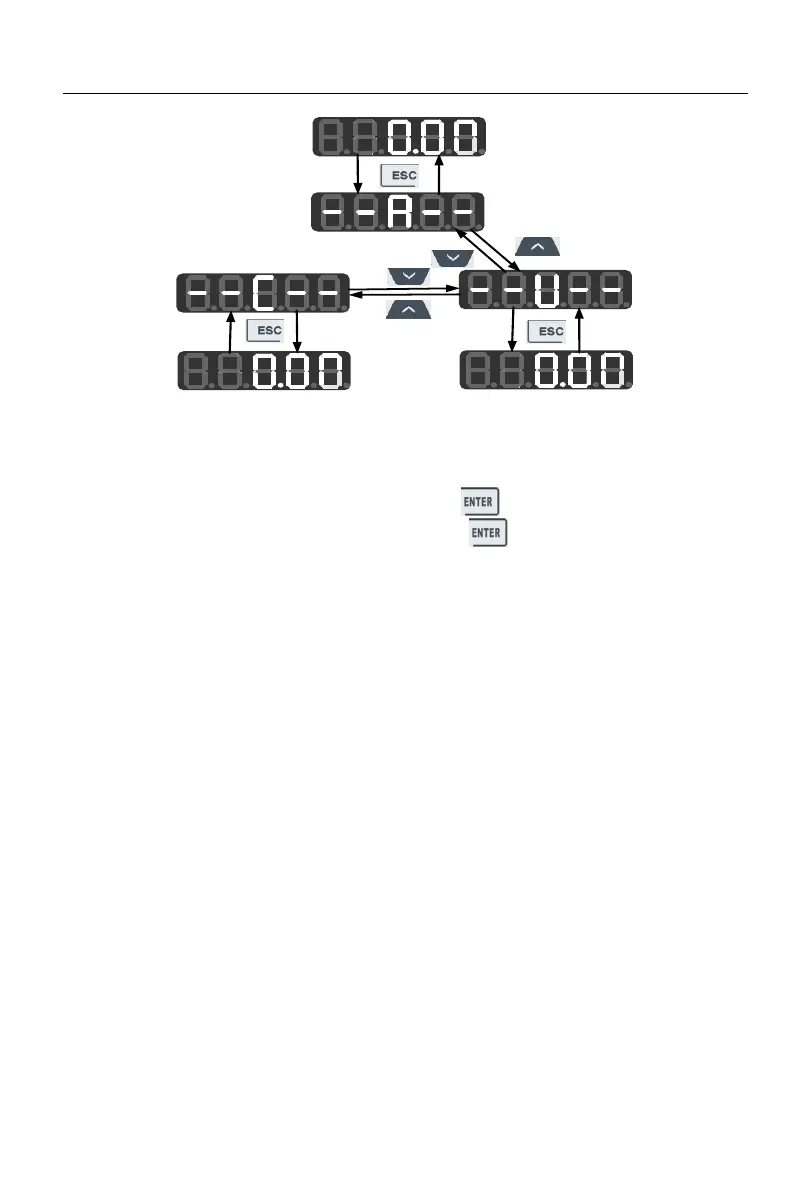
Fig. 4-2 Flowchart of Menu Mode Selection
4.2.1
Full menu mode (--A--)
In the full menu mode, press the ENTER key to enter the Level 2 menu and
select any function code. Then press the ENTER key to enter the Level 3 menu and
view or modify the function code. Except for a few special ones, the function codes needed
by general users can be modified.
The entire process from the initial status of power-on to change of the value of the
function code F03.28 to 5.28 in the full menu mode is shown in Fig. 4-3.





 To Next Page