- 19 -
Sec. 9 Needle stopper at right position
Note: Before checking, follow section “Needle position at zigzag stitching“
Checking:
1. Set test mode at 1. Remove face cover.
2. Bring needle to right position.
3. With needle bar touched with stopper at right side, check to see if needle collides with
presser foot and needle plate. It is acceptable if needle goes down along the edge of
needle plate.
Adjustment:
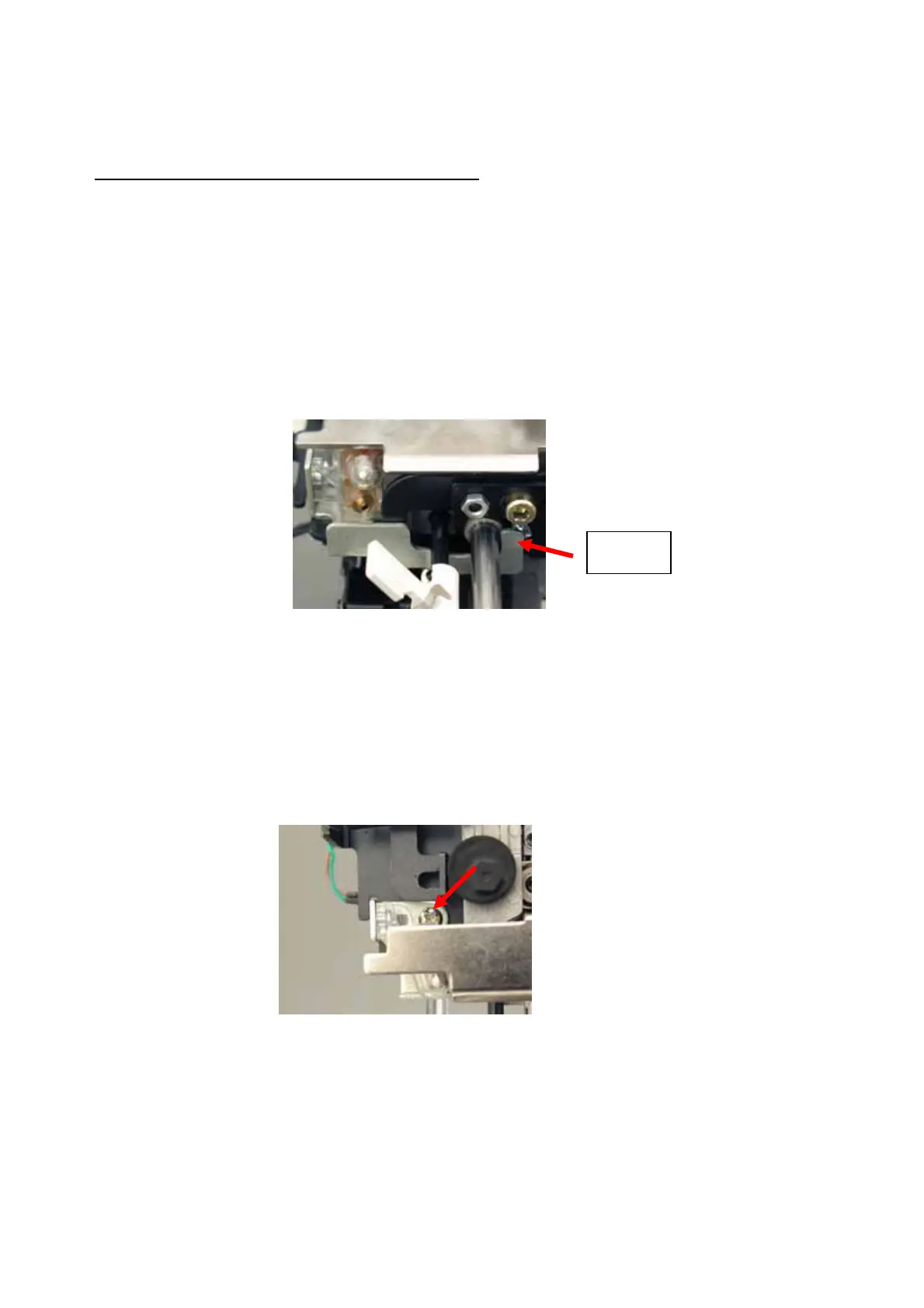
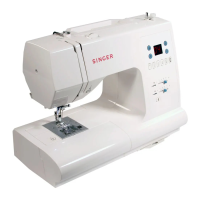
1. Loosen screw (A) and adjust the stopper in either direction. Tighten the screw securely after
adjustment.
Stopper
A


 To Next Page