EasyManua.ls Logo

Singer 9800 - Unpacking and Initial Connection; Unpacking the Sewing Machine; Connecting Power Supply and Switch

Singer 9800
35 pages
Print Icon
To Next Page IconTo Next Page
To Previous Page IconTo Previous Page
Loading...
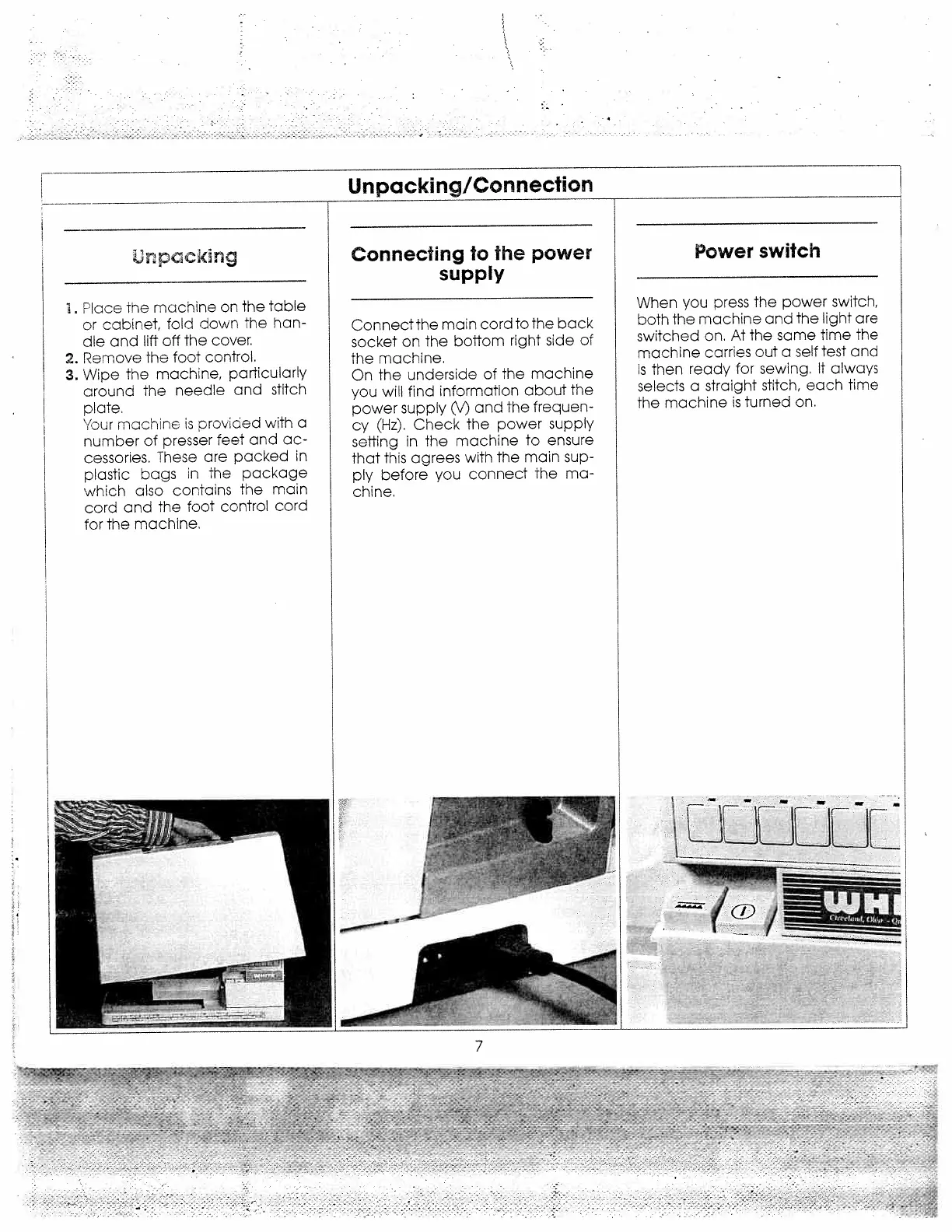
Unpacking/Connection
pcickng
Place
the
machine
on
the
table
or
cabinet,
fold
down
the
han
dle
and
lift
off
the
cover.
2.
Remove
the
foot
control.
3.
Wipe
the
machine,
particularly
around
the
needle
and
stitch
plate.
“our
machine
is
provided
with
a
number
of
presser
feet
and
ac
cessories.
These
are
packed
in
plastic
bags
in
the
package
which
also
contains
the
main
cord
and
The
foot
control
cord
for
the
machine.
Connecting
to
the
power
supply
Connectthe
main
card
to
the
back
socket
on
the
boftom
right
side
of
the
machine.
On
the
underside
of
the
machine
you
will
find
information
about
the
power
supply
(\‘)
and
the
frequen
cy
(Hz).
Check
the
power
supply
sefting
in
the
machine
to
ensure
that
this
agrees
with
the
main
sup
ply
before
you
connect
the
ma
chine.
Power
switch
When
you
press
the
power
switch,
both
the
machine
and
the
light
are
switched
an.
At
the
same
time
the
machine
carries
out
a
self
test
and
is
then
ready
for
sewing.
It
always
selects
a
straight
stitch,
each
time
the
machine
is
turned
on.
2
/
mmLr
7

Related product manuals