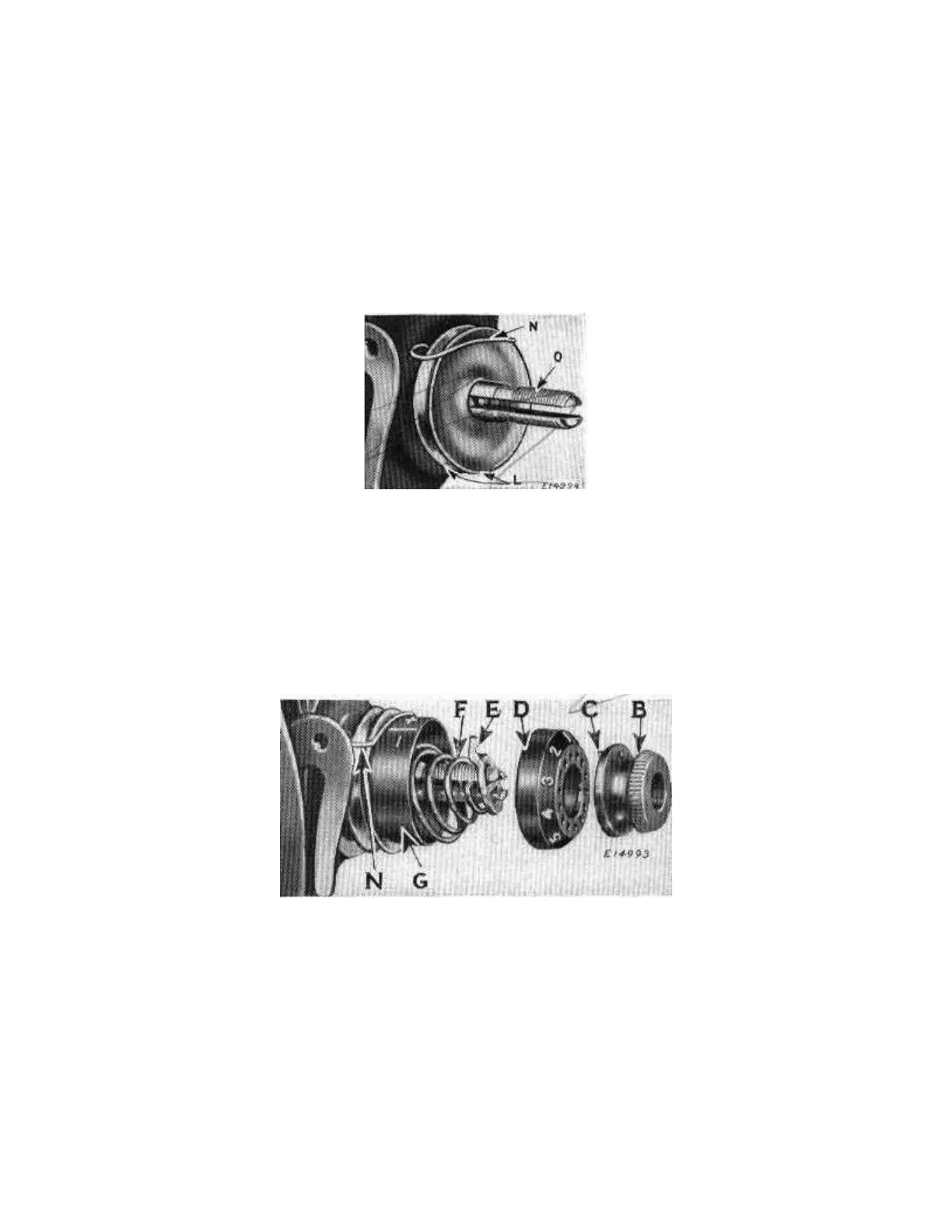
Fig. 1c
Next, replace the indicator (G) with the large open side facing the end of the
stud and so that the plus and minus marks will be at the top with the minus
sign to the left. Then insert the tension spring (F) in the indicator with the first
(half) coil of the spring straddling the lower half of the stud as shown in Fig. 1d.
Place the stop washer (E) on the stud so that the extension will be above the
tension stud.
Fig. 1d



 To Next Page