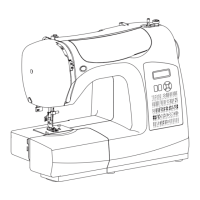
5, 6, 8, 10 Stitch Sewing Machine
8 Caring for your machine
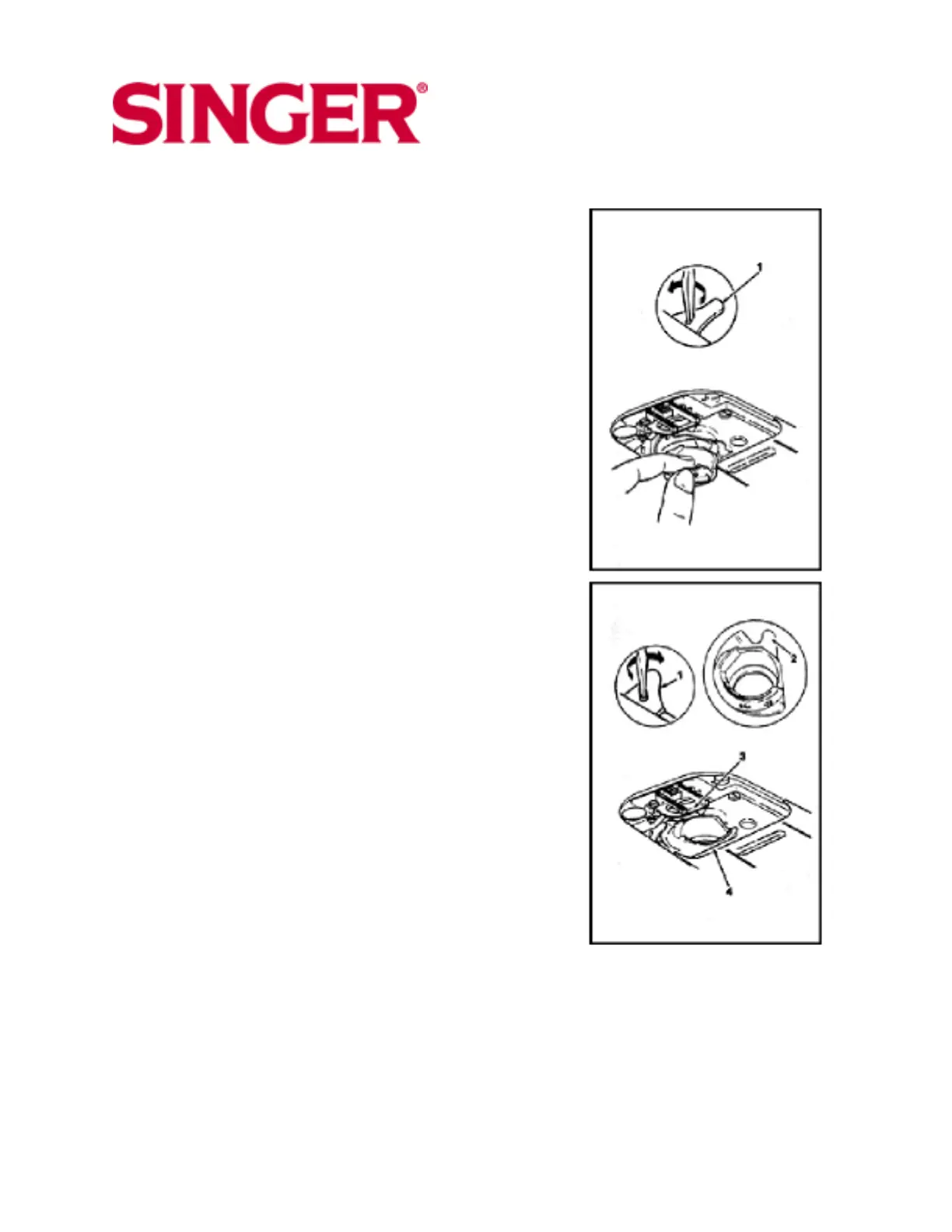
Removing and replacing bobbin case
Caution: Before cleaning or adjusting the machine,
remove plug from the socket outlet.
* Raise presser foot and needle.
* Open slide plate, remove bobbin and remove needle
plate.
To remove bobbin case
* With a small screwdriver, turn bobbin case holder (1)
to the rear as far as it will go.
* Lifting the left side of the bobbin case, slide it out
from machine.
To replace bobbin case
* Guide forked end (2) of bobbin case under feed (3).
* Draw rim of bobbin case under position plate (4). Be
sure bobbin case is freely seated on hook race.
* Turn bobbin case holder (1 ) forward as tar as it will
go, locking bobbin case in place.
Note: Turn handwheel towards you to check to make
sure it is properly replaced.
* Replace needle plate.
* Insert bobbin and close slide plate.
41



 To Next Page