EasyManua.ls Logo

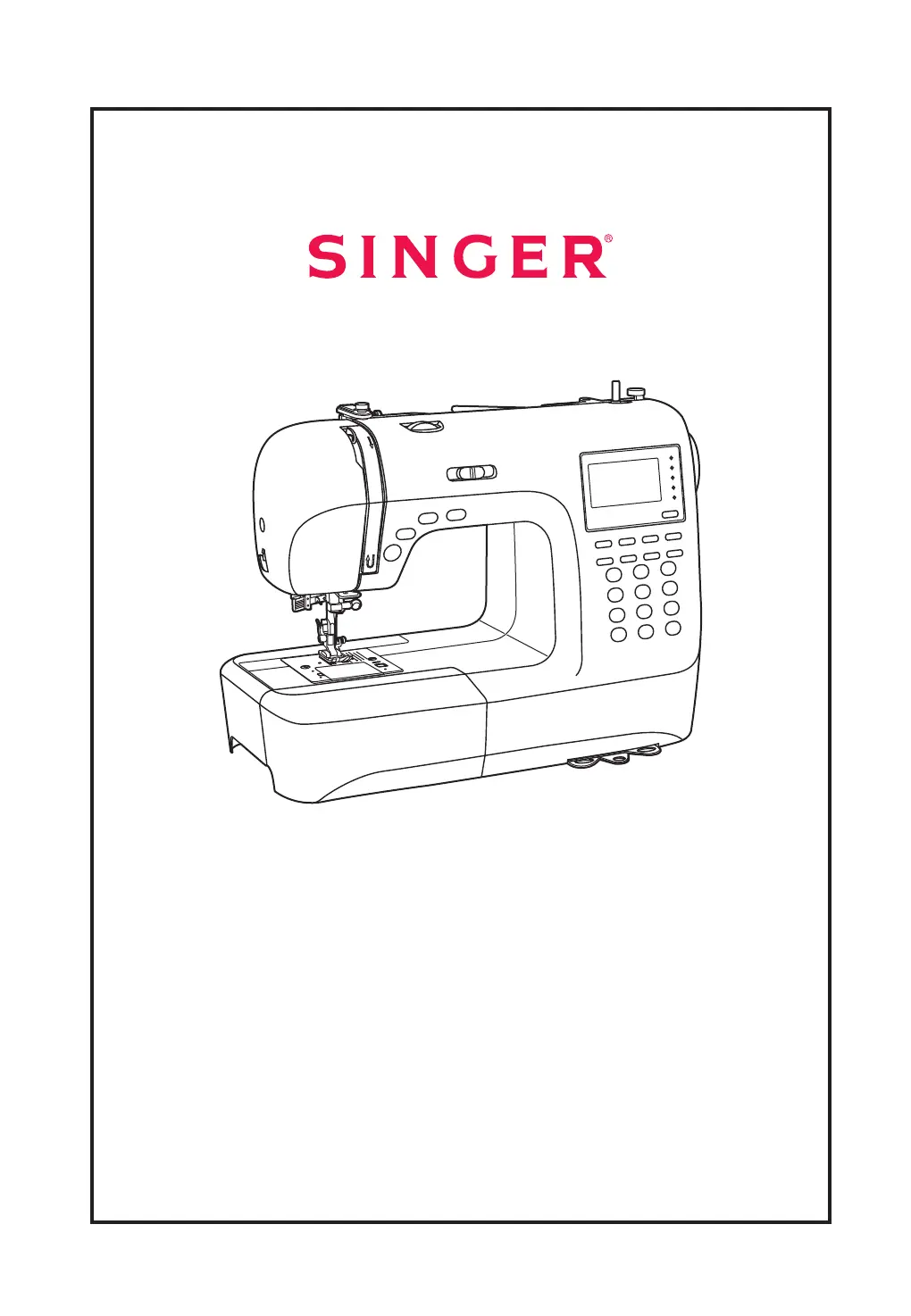
Singer F9100 - User Manual

Singer F9100
84 pages
Print Icon
To Next Page IconTo Next Page
Loading...
Model 9100 Instruction Manual
Downloaded from www.vandenborre.be

Table of Contents

Questions and Answers

  • O
    oconnorkaitlinSep 23, 2025
    What causes uneven stitches on my Singer F9100?
    • W
      wdickersonSep 23, 2025
      Uneven stitches and uneven feed on your Singer Sewing Machine can be attributed to: * Poor quality thread; select a better quality thread. * The bobbin case being threaded wrong; remove the bobbin case and thread, then reinsert correctly. * Pulling on the fabric; do not pull on the fabric while sewing, let it be taken up by the machine.
  • D
    David CamachoAug 25, 2025
    Why does the lower thread break on my Singer F9100 Sewing Machine?
    • P
      paul34Aug 25, 2025
      If the lower thread breaks on your Singer Sewing Machine, it could be due to a few reasons. Check that the bobbin case is inserted correctly; remove and reinsert it, ensuring the thread pulls easily. Also, verify that the bobbin case is threaded correctly. Lastly, if the lower thread tension is too tight, loosen it as described.
  • R
    Robert RoseAug 25, 2025
    How to fix upper thread breaks on a Singer F9100 Sewing Machine?
    • C
      cmcculloughAug 26, 2025
      If the upper thread breaks on your Singer Sewing Machine, several factors could be the cause. First, ensure the machine is correctly threaded by rethreading it. Also, check the thread tension; if it's too tight, reduce it. The needle might be too small for the thread, so try a larger needle. Make sure the needle is correctly inserted with the flat side towards the back. Check if the thread is wound around the spool holder pin and rewind it onto the reel if necessary. Finally, a damaged needle can also cause thread breakage, so replace it.
  • T
    terri36Aug 27, 2025
    Why does my Singer F9100 skip stitches?
    • A
      Amy CrawfordAug 27, 2025
      Skipped stitches on your Singer Sewing Machine can occur for several reasons. Begin by checking that the needle is correctly inserted, ensuring the flat side faces the back. A damaged needle can also cause skipped stitches, so insert a new one. Using the wrong size needle for the thread is another potential cause, so choose an appropriate needle. Also, make sure the foot is correctly attached. Finally, ensure the machine is correctly threaded by rethreading it.
  • K
    Kevin RiceAug 27, 2025
    Why is my Singer F9100 skipping stitches?
    • M
      Michael MahoneyAug 27, 2025
      If your Singer Sewing Machine is skipping stitches, check these potential causes: * Ensure the needle is inserted correctly, with the flat side towards the back; if not, remove and reinsert it. * The needle may be damaged; insert a new one. * You might be using the wrong size needle; choose one that suits the thread. * Make sure the foot is attached correctly; if not, check and reattach it. * The machine may not be threaded correctly; rethread it.
  • R
    Robert ValentineSep 13, 2025
    How to prevent seam puckering on my Singer F9100 Sewing Machine?
    • A
      amber80Sep 13, 2025
      To prevent seam puckering on your Singer Sewing Machine: The needle thread tension might be too tight, so loosen it. Ensure the needle thread is correctly threaded by rethreading the machine. If the needle is too heavy for the fabric, choose a needle suitable for the thread and fabric. If the stitch length is too long for the fabric, make the stitch denser.
  • H
    Heather WoodsSep 12, 2025
    Why are the patterns distorted on my Singer F9100?
    • W
      Wayne MorrisSep 12, 2025
      Distorted patterns on your Singer Sewing Machine can result from several issues. Ensure you are using the correct presser foot; if not, select the appropriate one. If the needle thread tension is too tight, loosen it. Additionally, the stitch length may not be suitable for the fabric, so make stitch adjustments.
  • G
    Gregory ChristianSep 12, 2025
    Why are the stitches loose on my Singer F9100?
    • T
      Tiffany GriffinSep 13, 2025
      Loose stitches on your Singer Sewing Machine can be due to several factors. First, check the threading of the machine. Also, ensure the bobbin case is correctly threaded as illustrated. The needle, fabric, and thread combination might be incorrect, so ensure the needle size suits the fabric and thread. Lastly, the thread tension might be wrong; correct the thread tension accordingly.
  • P
    Patrick WoodSep 4, 2025
    What to do if the needle breaks on my Singer F9100 Sewing Machine?
    • L
      Lawrence MaloneSep 4, 2025
      If the needle breaks on your Singer Sewing Machine, consider these possible causes: The needle may be damaged, in which case you should insert a new needle. Ensure the needle is correctly inserted with the flat side towards the back. The needle size might be wrong for the fabric, so choose a needle suitable for the thread and fabric. The wrong foot may be attached, so select the correct foot. Also, check if the needle clamp screw is loose and tighten it with a screwdriver. Ensure the presser foot is appropriate for the stitch type. Finally, if the upper thread tension is too tight, loosen it.
  • L
    Lisa MontesSep 2, 2025
    What causes uneven stitches and feed on a Singer F9100 Sewing Machine?
    • T
      Tracy BarkerSep 2, 2025
      Uneven stitches or uneven feed on your Singer Sewing Machine can be caused by several issues. Poor quality thread can be a factor, so select a better quality thread. Also, if the bobbin case is threaded wrong, remove it, rethread it, and reinsert it correctly. Avoid pulling on the fabric while sewing; let the machine take it up.

Singer F9100 Specifications

General IconGeneral
TypeElectronic
Built-in Stitches100
LCD ScreenYes
Speed ControlYes
Buttonhole Styles6

Related product manuals