-10-
Step two: Choose wash programs.
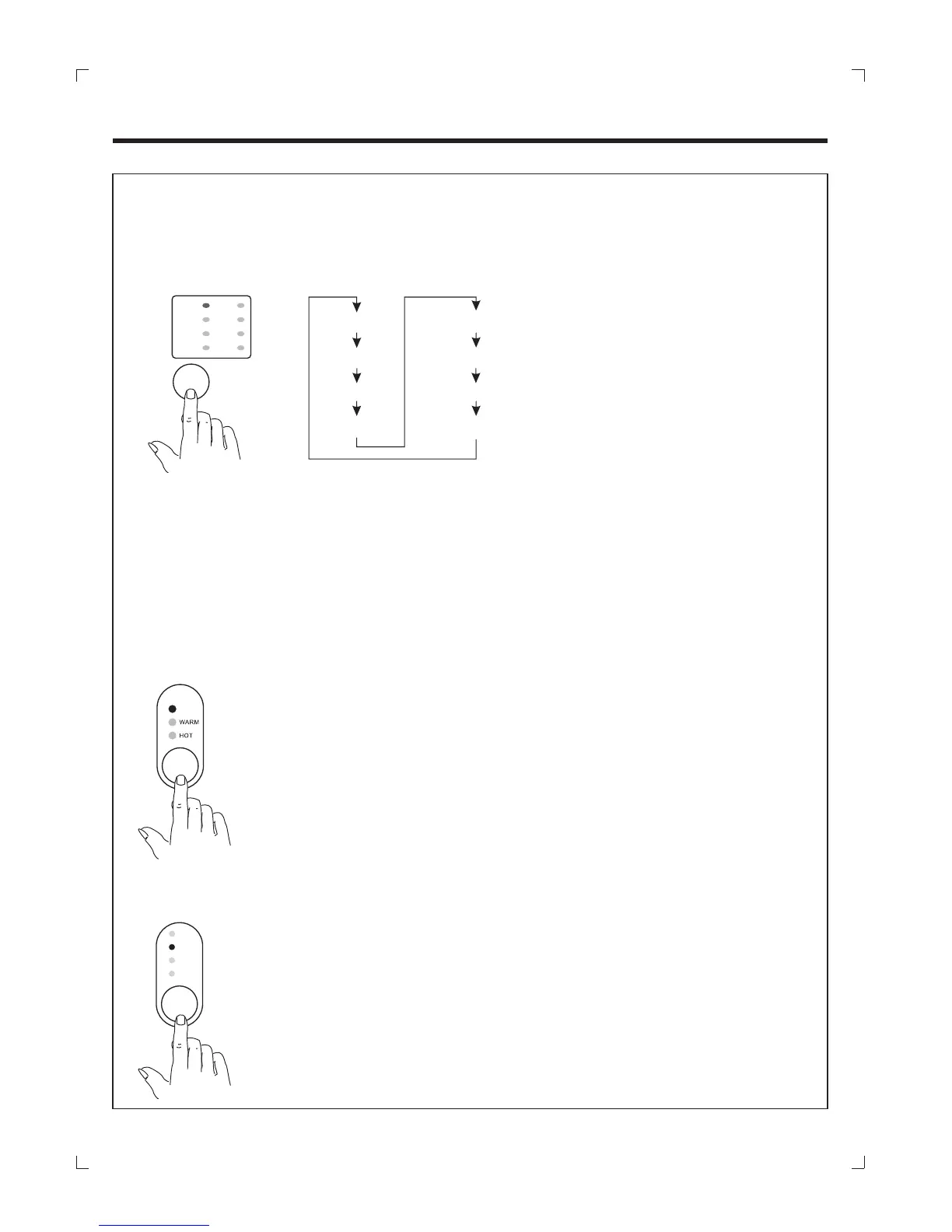
Press the "PROGRAM" button to Choose the desired function and then the corresponding
indicator blink.
Note: Press the "FUNCTIONS" button continuously all options of water flow will circulate as
figure.
JEANS
UNDER WEAR
GENTLE
WASH ONLY
BLANKET
SPIN ONLY
P R O C E S S
OPERATION
预约
COLD
WATER
TEMP
HIGH
MIDDLE
LOW
LITTLE
WATER
LEVEL
Step four: Choose the water level
.
Press the WATER LEVEL button to choose appropriate water level according
to wash quantity and then the corresponding indicator blink.
Step three: Choose the water temperature
.
Press the WATER SUPPLY button to choose the water temperature required.
NOTE:
The washer will provide a cold rinse in all TEMPERATURE settings.
IMPORTANT:
A single hose system does not allow the washing machine to
automatically (select)regulate incoming water temperatures to match
those listed on the control panel such WARM or HOT.
GENTLE
WAS H
ONLY
SPIN
ONLY
BLANKET
SPEEDY
JEANS
UNDER -
WAR E
HEAVY
WAS H
HEAVY
WASH
SPEEDY
HEAVY .
SOAK program --- for washing for very dirty laundry.
SPEEDY program --- for washing slightly dirty laundry.
JEANS program --- for washing thick clothes eg. jeans, work clothes etc.
GENTLE program --- for washing delicate clothes eg silk etc.
BLANKET program --- for washing large items eg blankets, sheets etc.
program --- for washing heavy clothes.


 To Next Page