Step five: Start the washing machine
Note:
If you want to change the program when the washing machine is running, you must
press the
The water level can be changed when the washing machine is running. If you change the
water level to a higher one when the washing machine is running, the washing machine will
stop running and fill water to match the level you have now chosen and then begin running
again automatically.
"START/PAUSE" to stop the current program.
Press "START/PAUSE" button, the washing machine will buzz and run automatically.
Please close the wash lid completely (otherwise, the machine will stop running
when it reaches the spin program and gives an alarm.)
-11-
OPERATION
Program
Washing program form
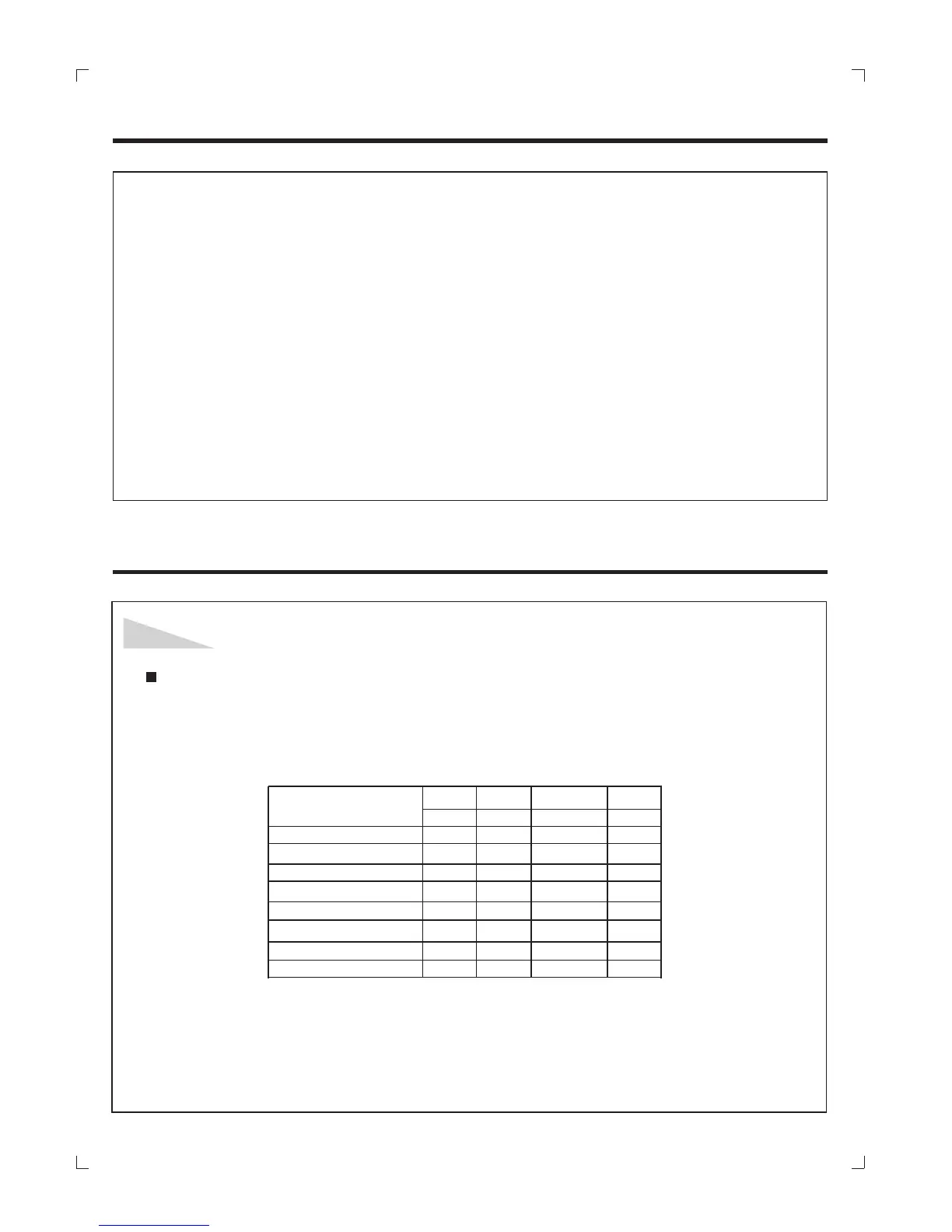
Microcomputer controlled board assembly can save upto 8 kinds of washing
programs, please refer to the following washing program form.
Note: 1. The total operating time may vary according to water volume, tolerance is
permitted.
2.If the washing is unbalanced, this will trigger the safety switch to come when
spinning, the machine will automatically refill water to adjust the balance.


 To Next Page