7
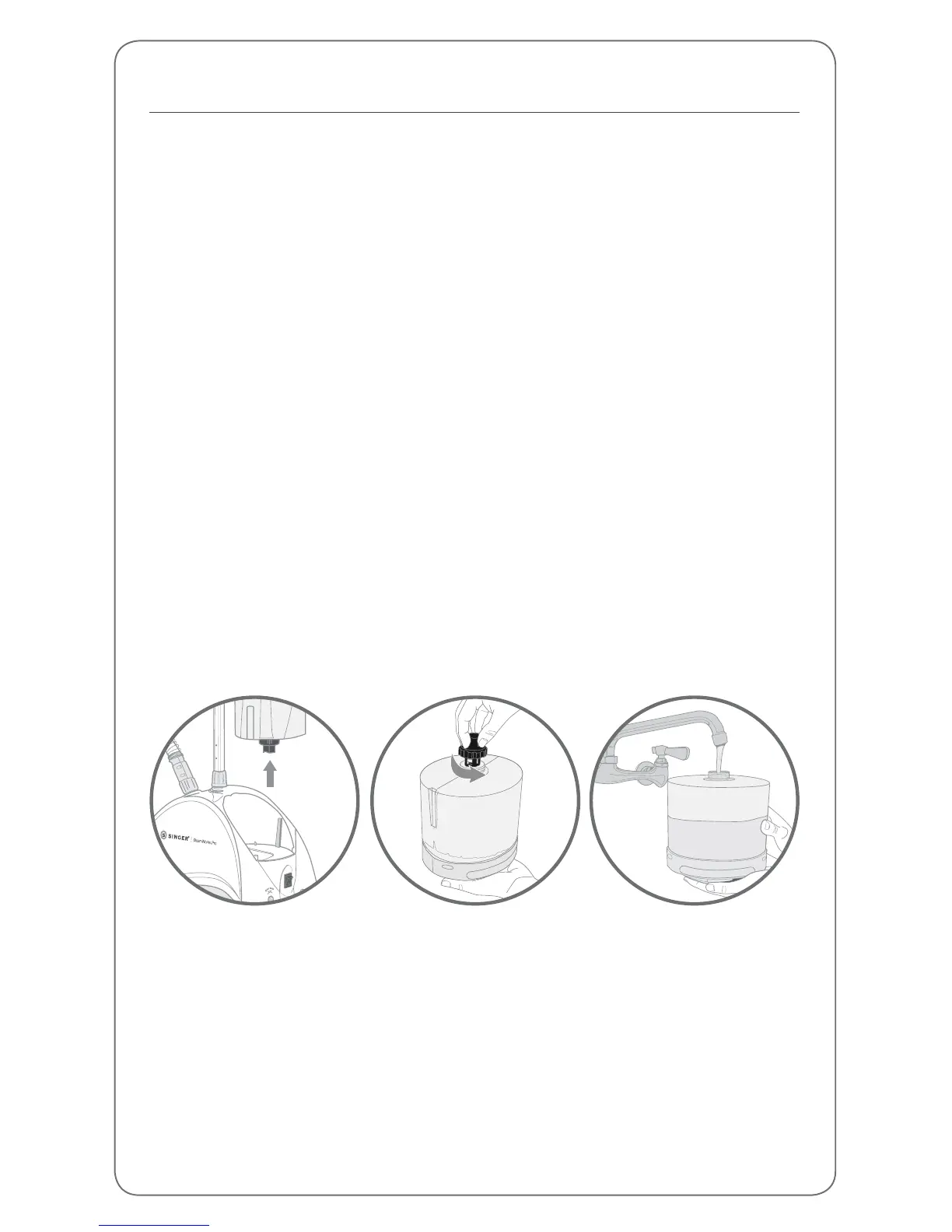
Filling the Water Tank
Turn the steamer off and unplug it.•
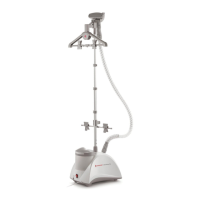
Remove the Water Tank by pulling upward on the handle. •
Unscrew the Valve Cap from the Water Tank, fill the tank with cool water, •
and replace the Valve Cap. Do not use hot water. To prolong the life of your
steamer we recommend using distilled or de-mineralized water.
The tank holds 2.5 Liters of water.•
Insert the Water Tank into the base, making sure the plug on the bottom of •
the tank meets the post on the steamer base and fits securely in the cavity.
NOTE: Do not operate the steamer without water as this could cause damage
to the unit.
Never use water with additives, including scents, starches, or fabric conditioners,
as they can cause deposits to form in the steamer that can stain your clothing.


 To Next Page