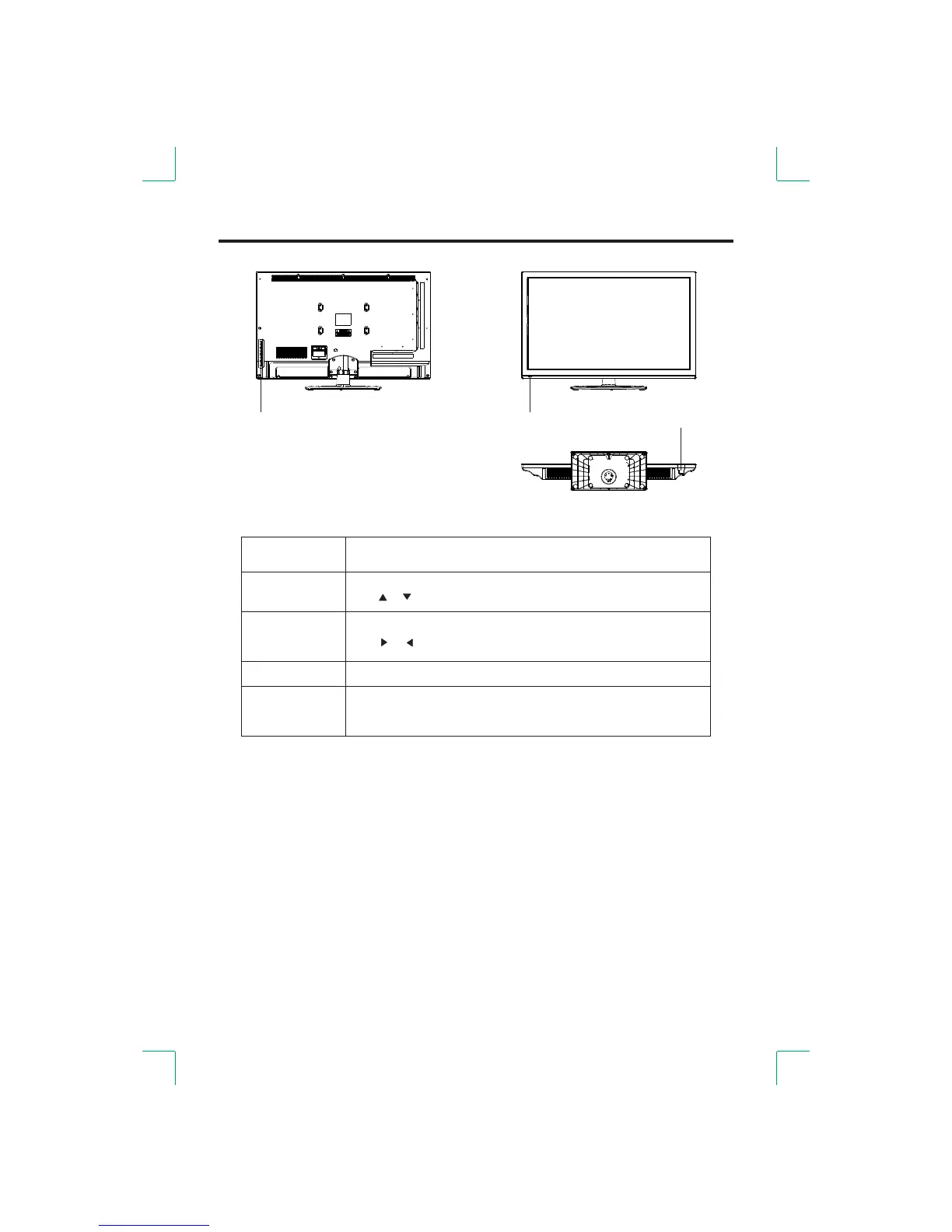
Front View
-8-
①
②
③
① Remote control receiving window indicator.
Switch the power on or off.②
③ The functions of the buttons are described bellow:
Switch on and off;
Carry out the function of standby and switch-on.
Show menu or exit menu.
STAND BY
VOL+/-
CH+/-
Channel up/down;
Use buttons on the remote control to change the channels[ ]/[ ] .
Volume increase/decrease;
Use buttons on the remote control to adjust volume[ ]/[ ] .
Press this button to display the input source list; continue pressing this
button to select the source you want. Press the button to select [VOL+]
the desired source.
MENU
SOURCE
NOTE:
Different models may have different button positioning,
but all according to what was been described abovefunctions stay the same .


 To Next Page