-14-
Media Operation
The USB storage devices be inserted into the terminal.should
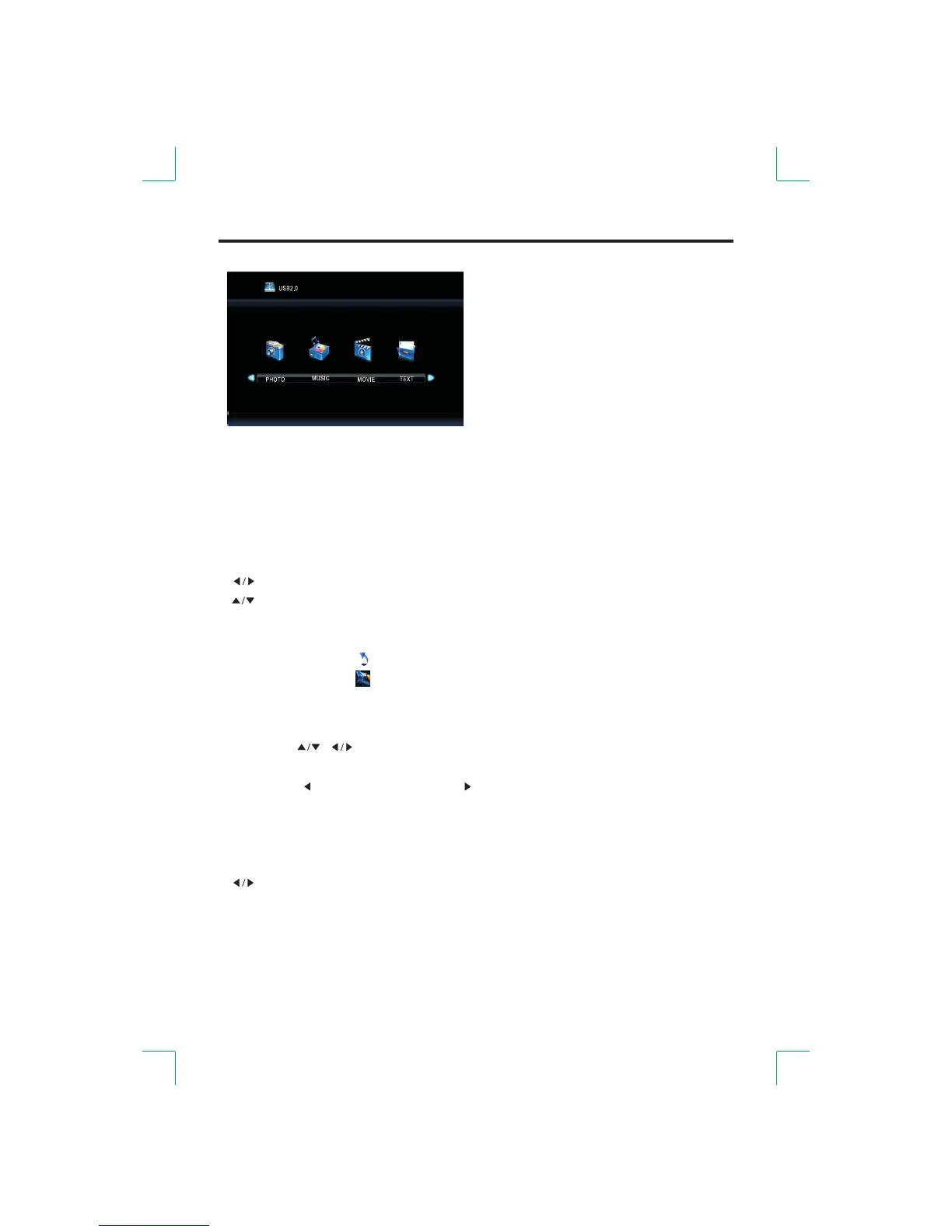
Select the media source and view the multimedia.
If you want to exit the other sources.multimedia you can choose
● Delete
●Press the buttons to select the file that you want to delete.[ ]/[ ]
●Press the button to enter. [RED]
●Press the [ ] button the [ ] button to to confirm or cancel.
● MENU Operation
[ ]: Select media or select file.
elect file.[ ]: S
C .[ENTER]: onfirm or play
[ Return to root.ROOT]:
The icon of the menu [ Return to root. ]:
The icon of the menu [ Return to previous. ]:
●MENU Operation During Play
elect menu when playing a file.[DISPLAY]: S
elect.[ ]: S
C .[ENTER]: onfirm
uit the entire menu.[ROOT]: Q


 To Next Page