-11-
Menu Operation
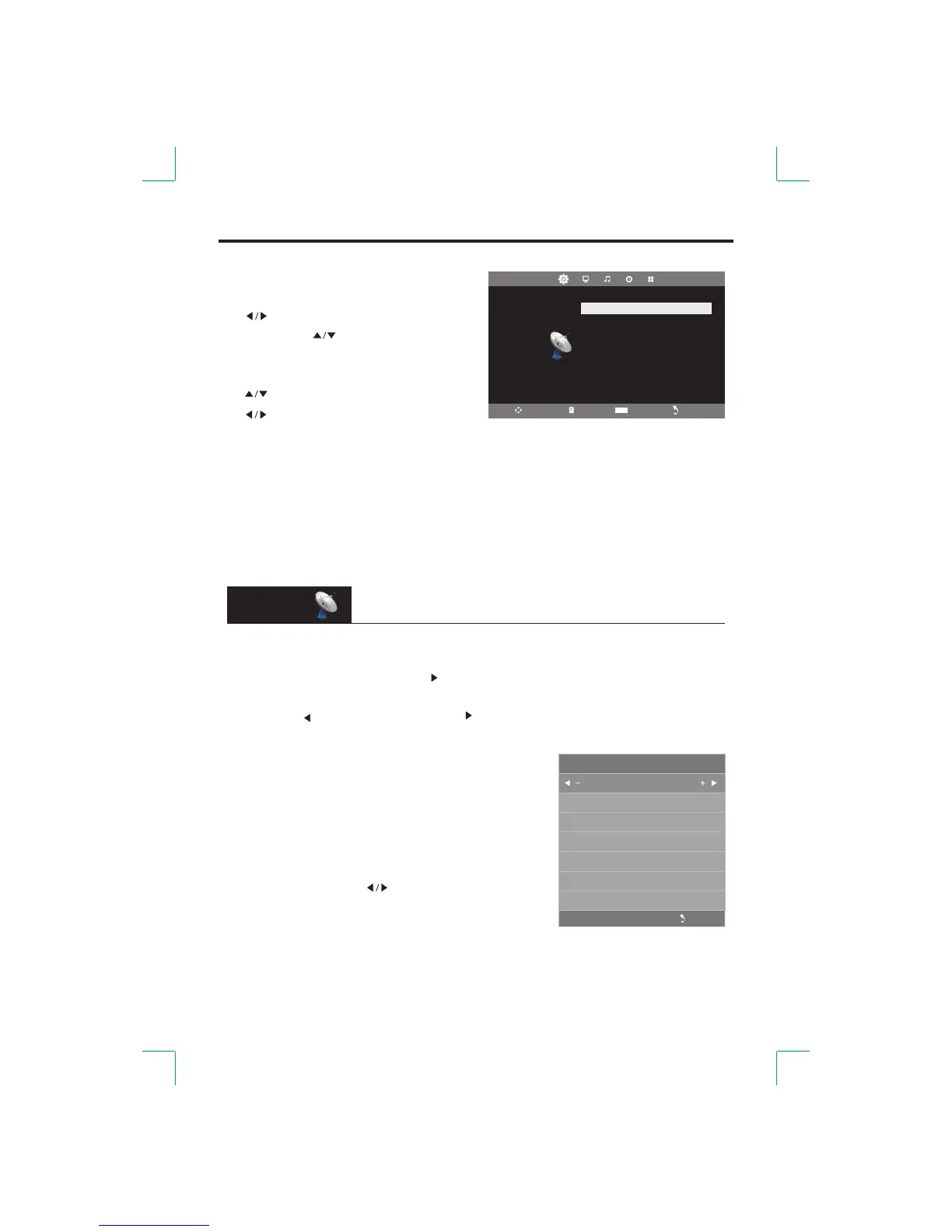
● Auto Tuning
[ENTER] the [ ] Press the button button to start Auto Search.or
button . [MENU] [EXIT] buttonIf you want to stop searching, press the or the
ress to confirm or cancel. the [ ] button the [ ] button to P
Menu
Current CH
1
Color System
SECAM
Sound System
BG
Fine-Tune
49.75MHZ
AFC
On
Search
ATV Manual Tuning
Auto Tuning
ATV Manual Tuning
Programme Edit
CHANNEL
Move Menu Enter Exit
Ente r
● Enter Menu
[MENU]: Display menu.
[ ]: Select menu.
[ENTER] or [ ]: Enter menu.
Menu Operation●
[ ]: Select.
[ ]: Adjust or enter the sub menu.
[ENTER]: Enter the sub menu or confirm.
● Exit Menu
Press the [MENU] button to return to the previous menu or exit the current menu;
or press the [EXIT] button to exit menu.
This menu only functions in TV mode.
CHANNEL
● ATV Manual Tuning
● Current CH: Set the channel number.
● Color System: Select the color system.
● Sound System: Select the sound system.
● Fine-Tune: Adjust the frequency of the channel finely.
● AFC: Automatic fine tuning.
● Search: Press the [ ] button to search.



 To Next Page