4/12
If the APN need User name and Password, please send the command:
SMS: 8030000 APN APNuser APNpassword
For example: if you use Vodafone (pre-pay) in UK, the APN is
pp.vodafone.co.uk, APN User is wap, APN pass is wap
You should send SMS command: 8030000 pp.vodafone.co.uk wap wap
(Send SMS:Send SMS command from your mobile to the SIM Card in Tracker)
6. Send SMS to set trackers to our server: (in default, don’t need to change)
SMS: 8040000 45.112.204.242 8090
7. If you set ok of all, you can track it online.
If the device is not online, please check device setting, send: RCONF to device,
It will reply the setting.
1. The APN is correct;
2. The IP and Port is correct;
3. The ID on platform is correct;
4. The device working model, (SMS model or GPRS model)
How to install:
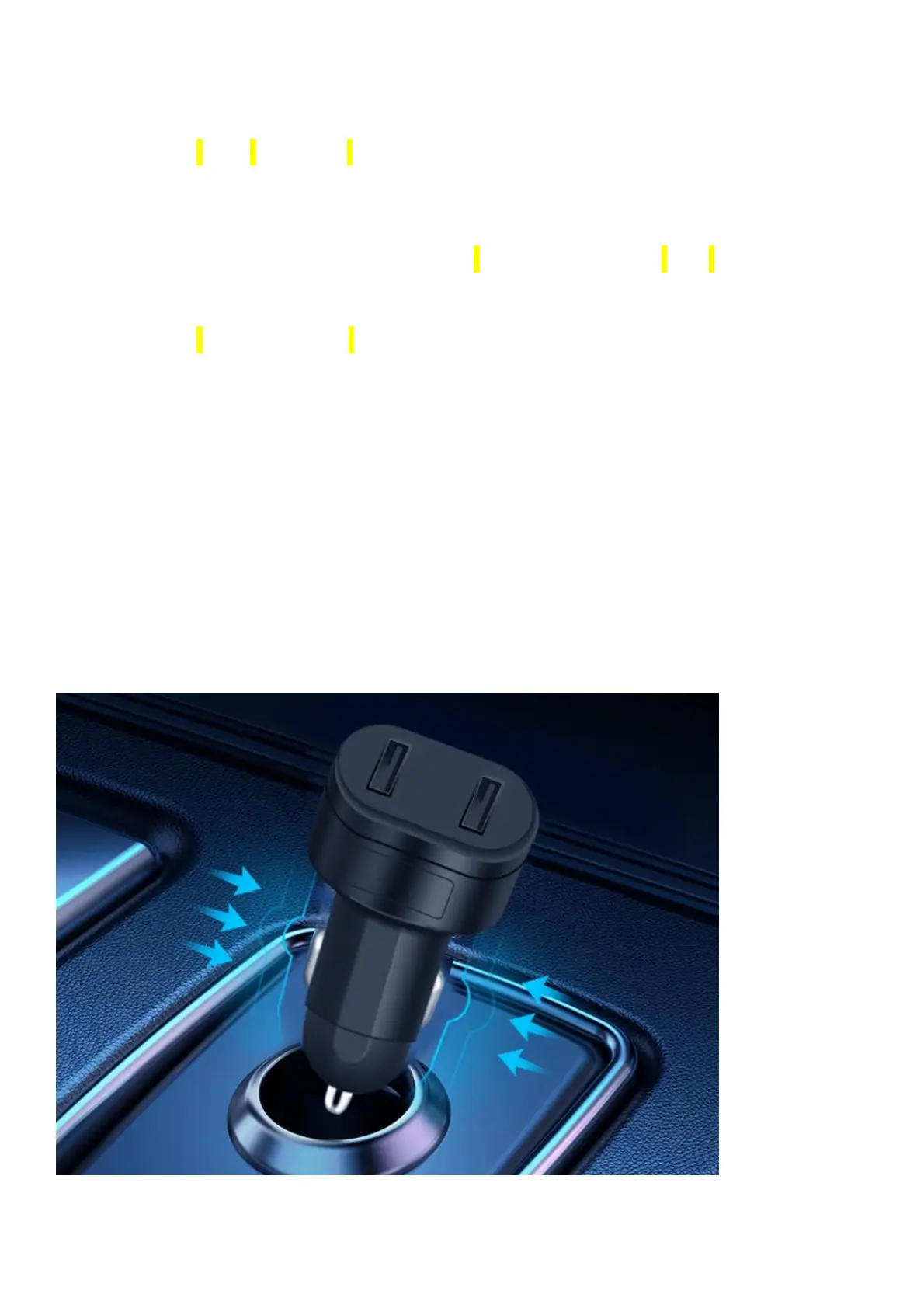
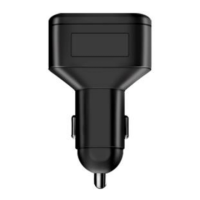
Insert SIM Card in ST-909, And insert ST-909 to car cigarette lighter



 To Next Page