Sinterit LISA PRO User Manual | 10
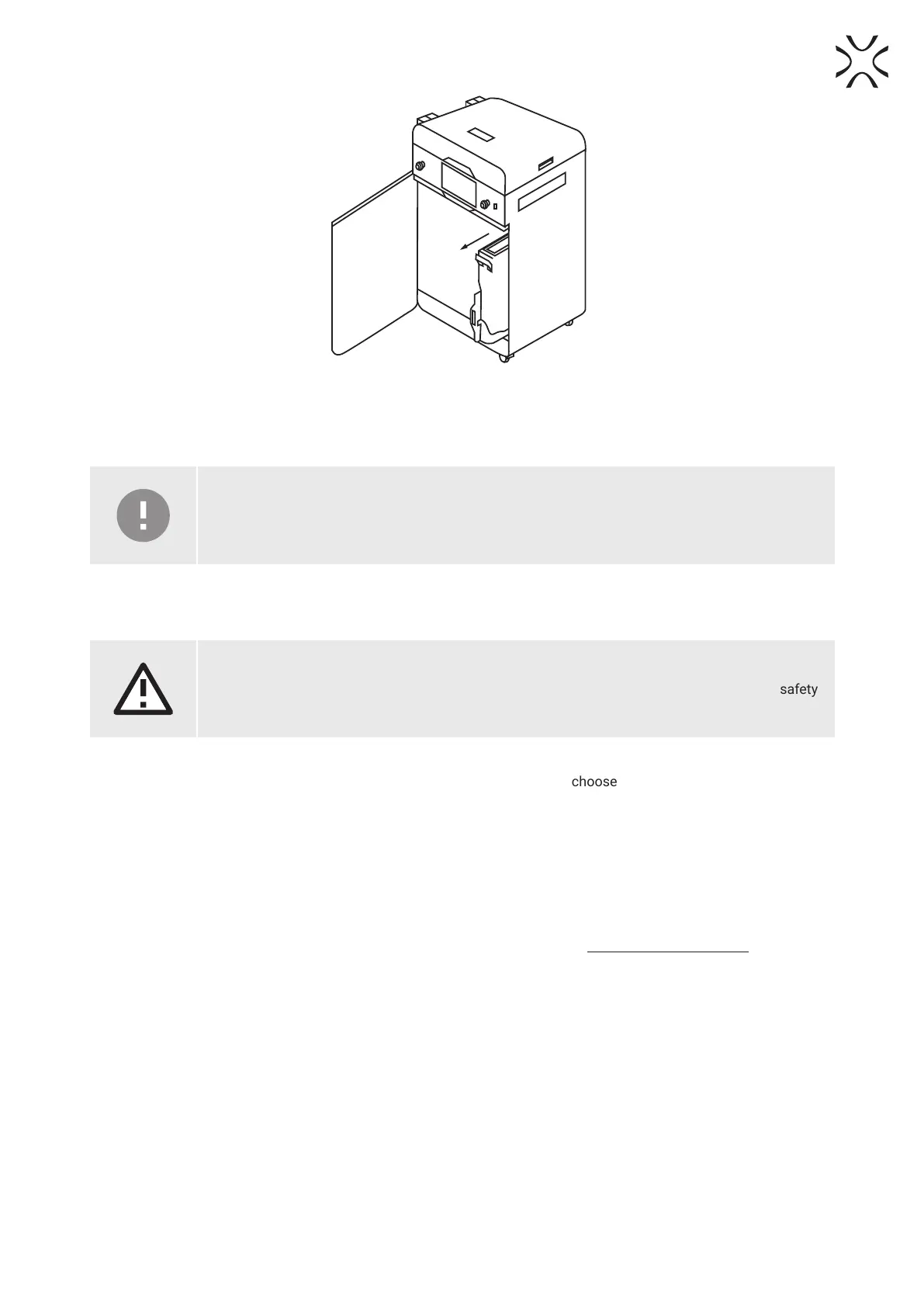
Fig. 4.1 Sliding out the overow container.
8. Take the overow container from its drawers and transfer its contents into a metal bucket or onto the PHS.
9. Put the overow container back in its drawers.
IMPORTANT!
Make sure the overow container is oriented correctly once you put it back. Pay attention to the
markings on the bin.
10. Slide the UNLOCK OVERFLOW button to the UNLOCKED position, to release the lock and slide the drawer back into
the printer.
ATTENTION!
Attempting to slide the overow container back into the printer without unlocking the safety
mechanism can damage it
11. Close the overow door and press DONE.
12. If you want to learn how to refresh the powder and what exact mix to use, choose SHOW REFRESH INFO. If you wish
to instead do that another time, choose LATER.
5. Technical support
In case of any questions or issues, please don’t hesitate to contact the after-sales support:
• e-mail: support@sinterit.com
• phone: +48 570 702 886
The full list of resellers and technical support in select countries can be found at www.sinterit.com/contact.





 To Next Page