Copyright © 2005 Toshiba Corporation
All rights reserved
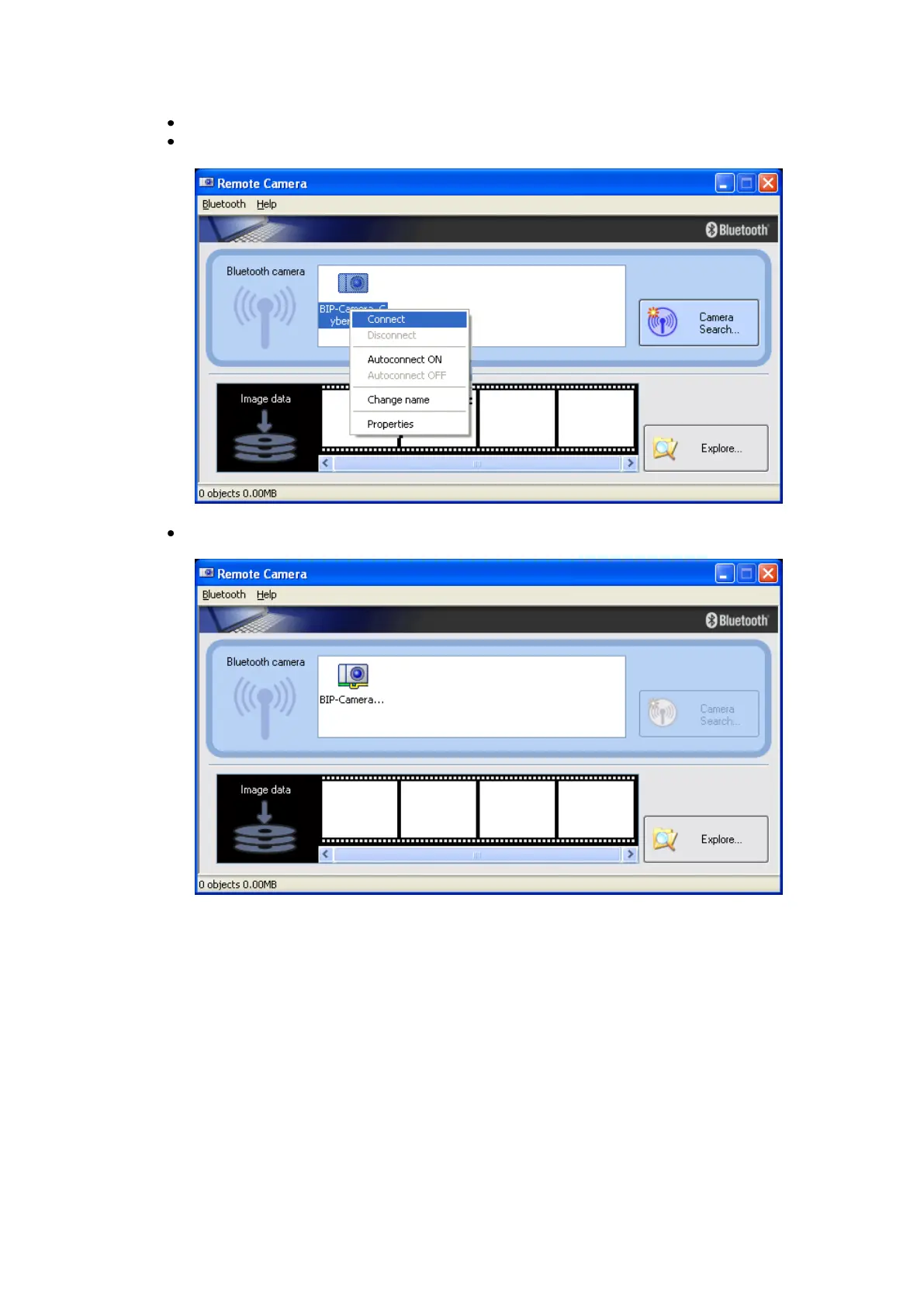
All available Bluetooth™ cameras will be listed.
Right click the camera and select „Connect‟ or just double click the
camera ICON
A green/yellow connected chain will be displayed if the Bluetooth™
connection is established.
A second window appears which shows an almost live preview of the
camera picture. It is possible to change the size of the preview window.
The resolution of the preview window is much smaller than the real
resolution of the picture that will be taken by the camera.



 To Next Page