Copyright © 2005 Toshiba Corporation
All rights reserved
Service Discovery:
A Service Discovery will be performed to check whether OPP is supported
by the Remote device.
Send Business Card To:
The personal business card will be sent to a destination device (i.e.
"BT_Remote_PC").
Receive Partner‟s Business Card From:
The business card will be pulled from a destination device (i.e.
"BT_Remote_PC").
Exchange My Business Card:
The business cards will be exchanged.
6.2 File Transfer Profile (FTP)
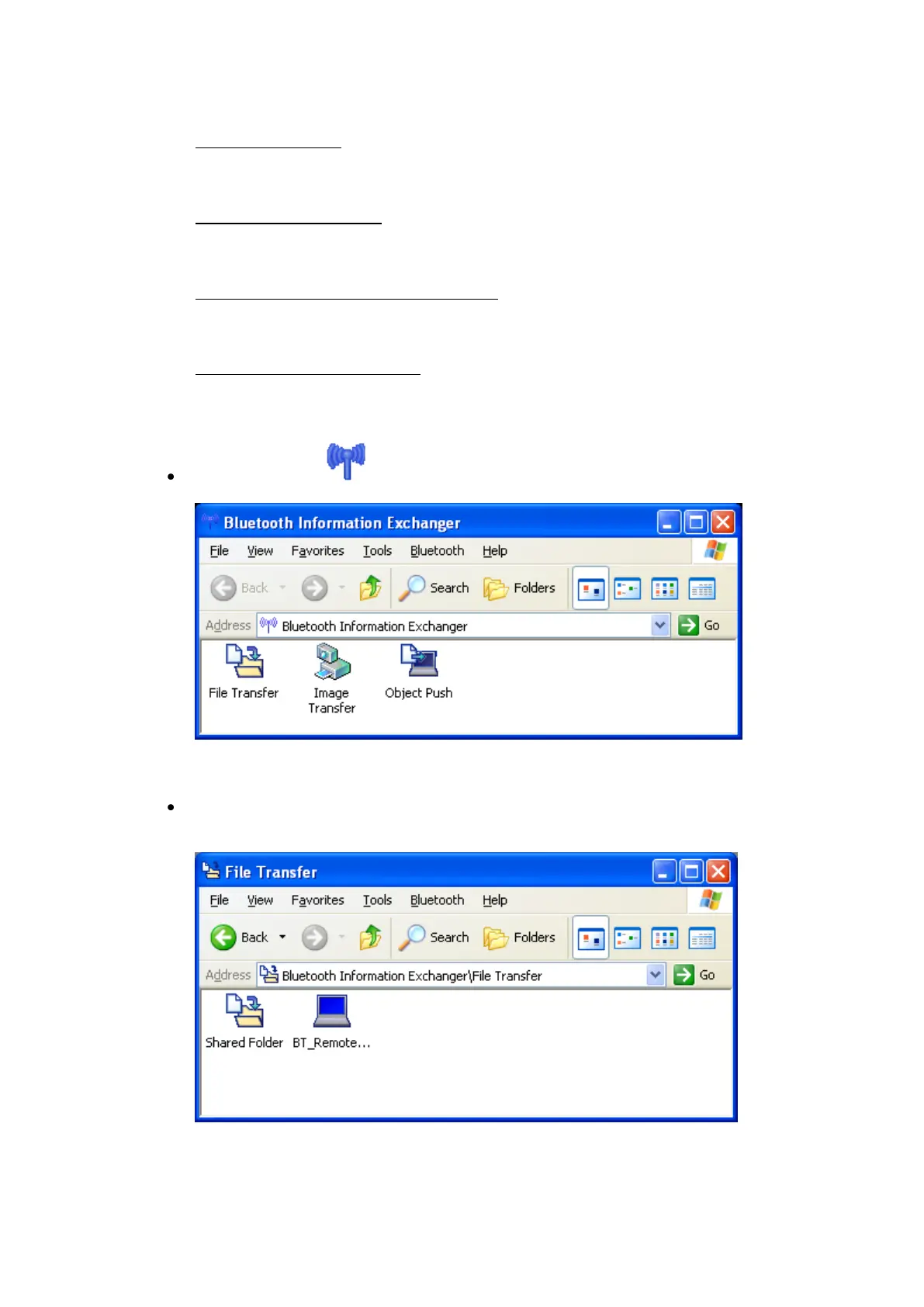
Double click the ICON on the Desktop or open Explorer. This feature
is also fully integrated into Explorer.
Double click teh “File Transfer” ICON to perform any FTP operation to a
remote device.
If the remote device is not in the device list you have to do a device
discovery again. Select [Bluetooth]->[Device Discovery]
To browse the remote device double click the ICON i.e. BT_Remote_PC.



 To Next Page