Copyright © 2005 Toshiba Corporation
All rights reserved
5. Wireless File Transfer
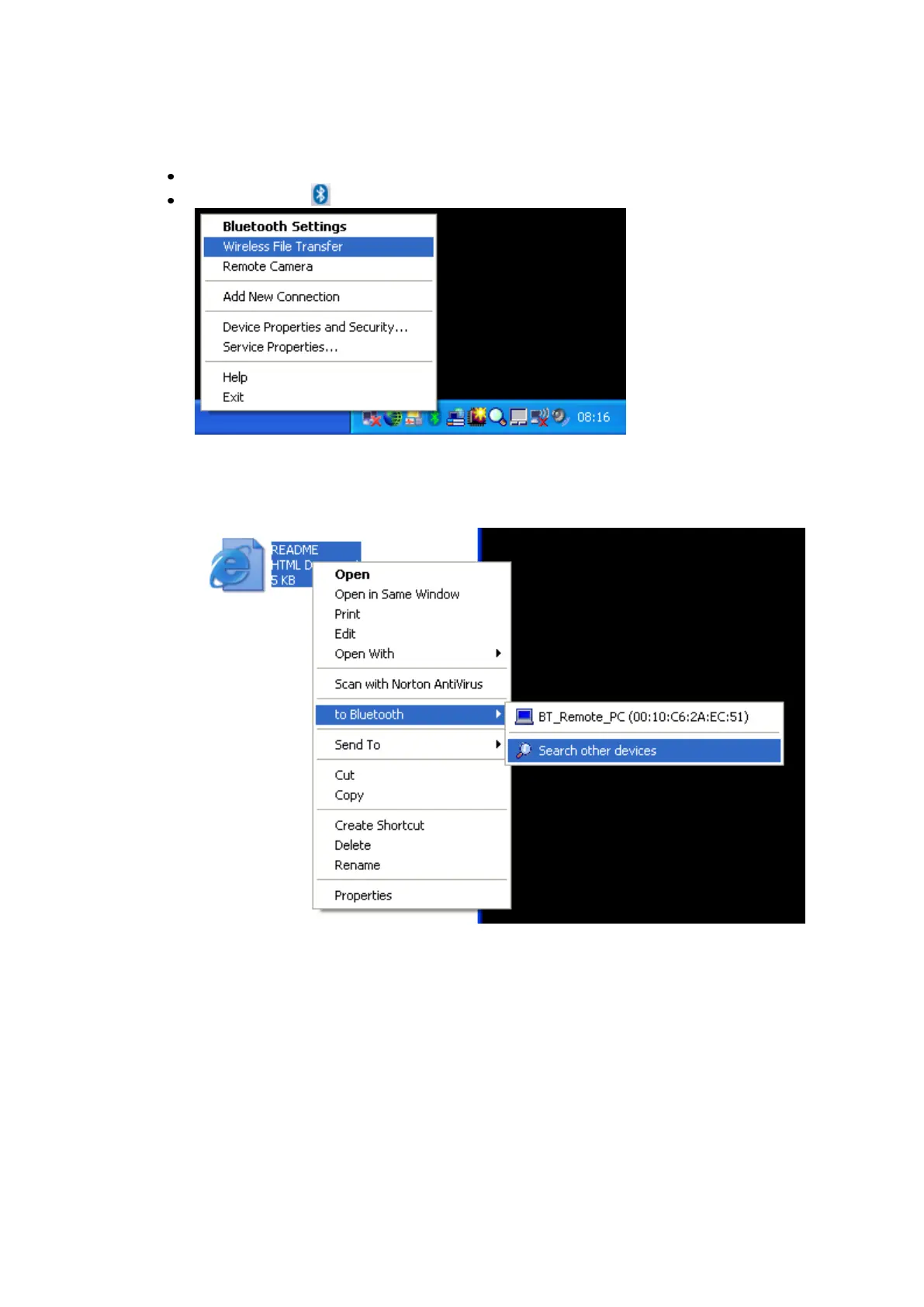
Launch the „Wireless File Transfer‟ application
Right click the ICON in the tray bar and select Wireless File Transfer.
There is a second way to launch the Wireless File Transfer application. A
right click a file allows you to select „to Bluetooth‟ -> „Search other
devices‟
A third way would be to launch the Wireless File Transfer application from
the Start menu:
[START]->[All Programs]->[Bluetooth]->[Wireless File Transfer]



 To Next Page