Copyright © 2005 Toshiba Corporation
All rights reserved
1. Installation of the Bluetooth Software
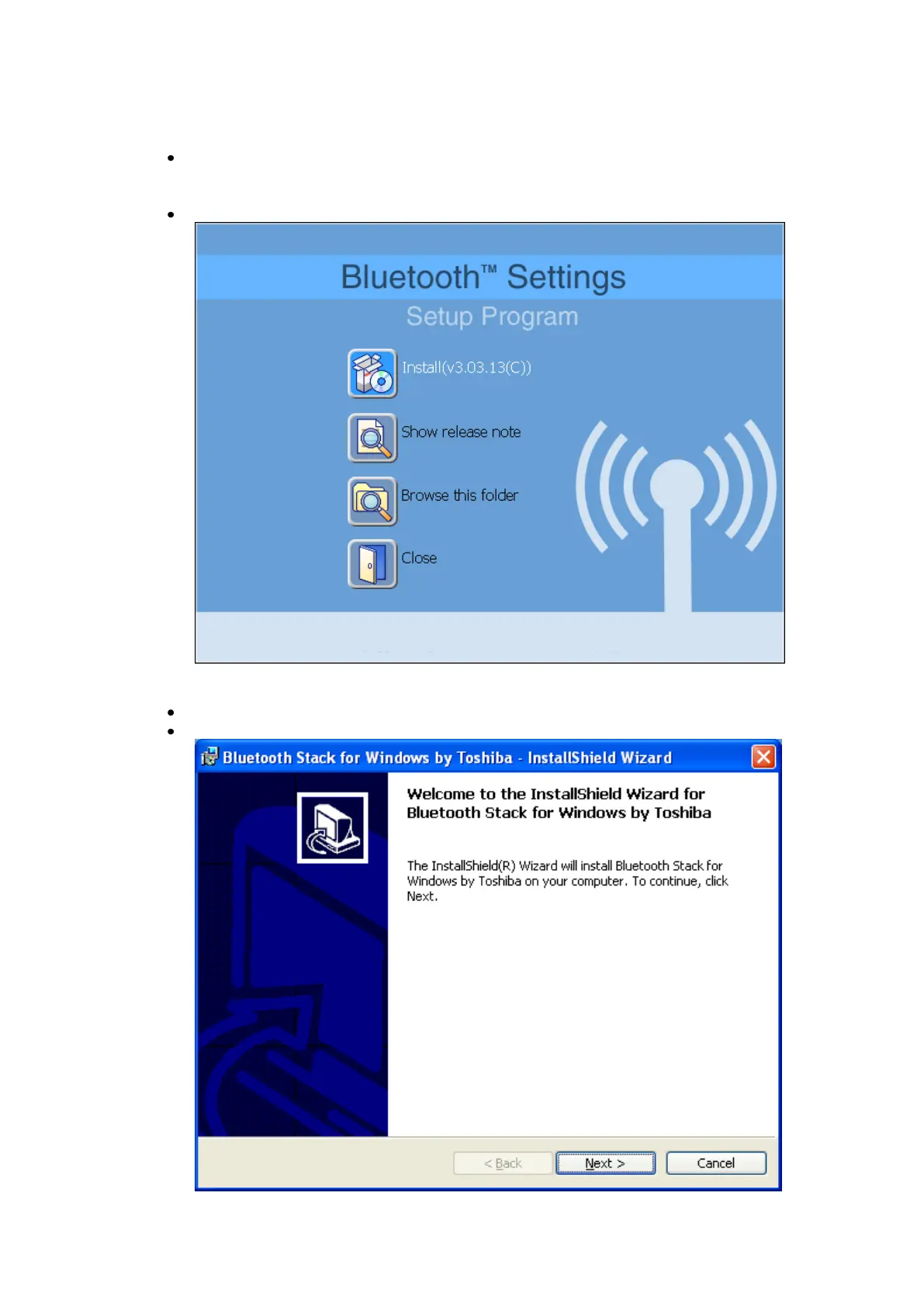
Place the installation CD-ROM into the PC. Setup should start
automatically. If setup does not start go to Windows File Explorer, locate
the CD-ROM and run „setup.exe‟
Choose „Install (v3.03.13(C))‟.
The InstallShield Wizard will start.
On the Welcome screen click Next to continue.



 To Next Page