Copyright © 2005 Toshiba Corporation
All rights reserved
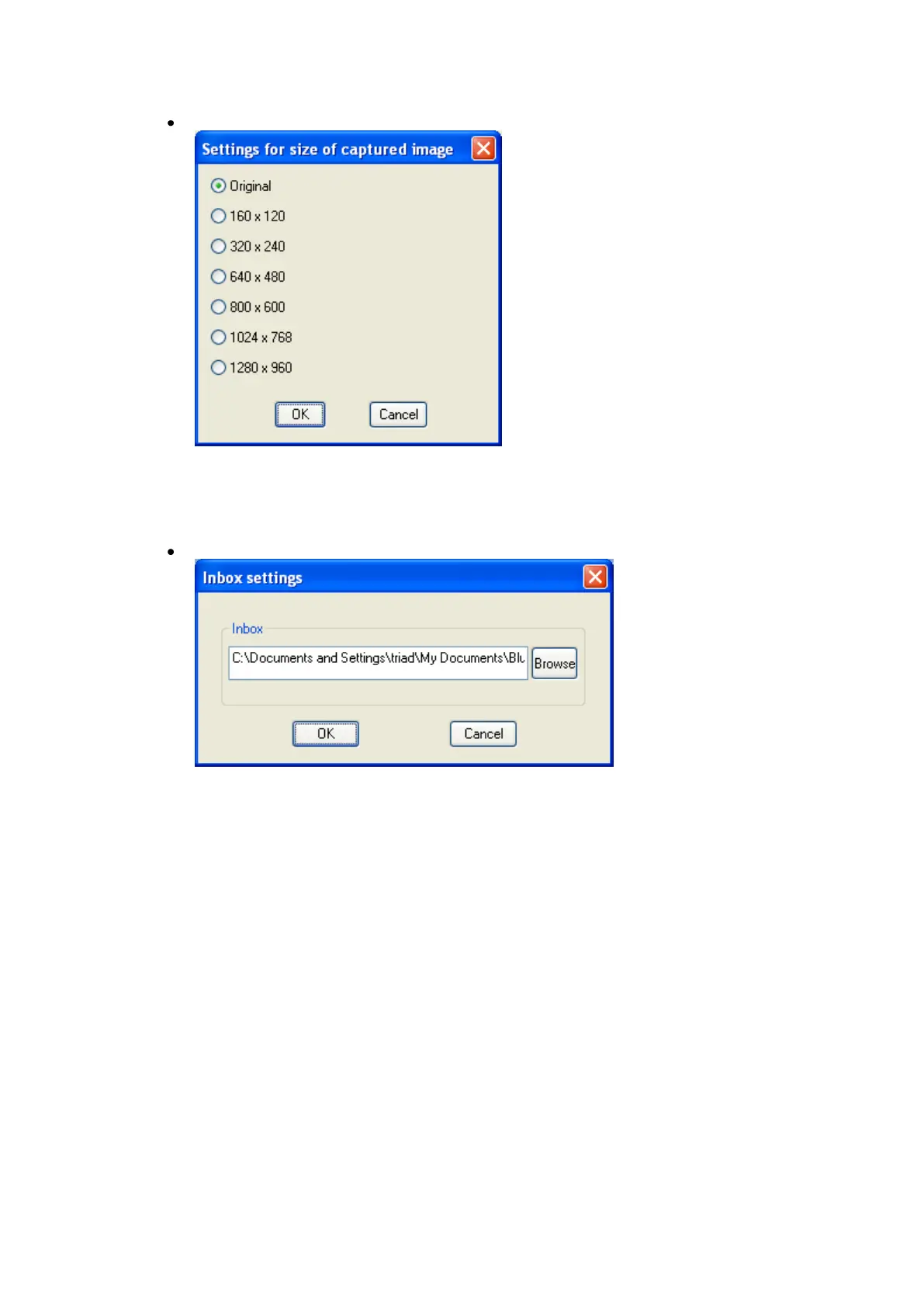
Settings for size of captured image
Images will be sent to your PC after having been automatically converted
to the size specified in the dialog box above, regardless of the size of the
original image data.
Inbox settings
Opens Browse folders...” dialog box and allows you to select the folder
where you would like your captured images to be saved.



 To Next Page