Copyright © 2005 Toshiba Corporation
All rights reserved
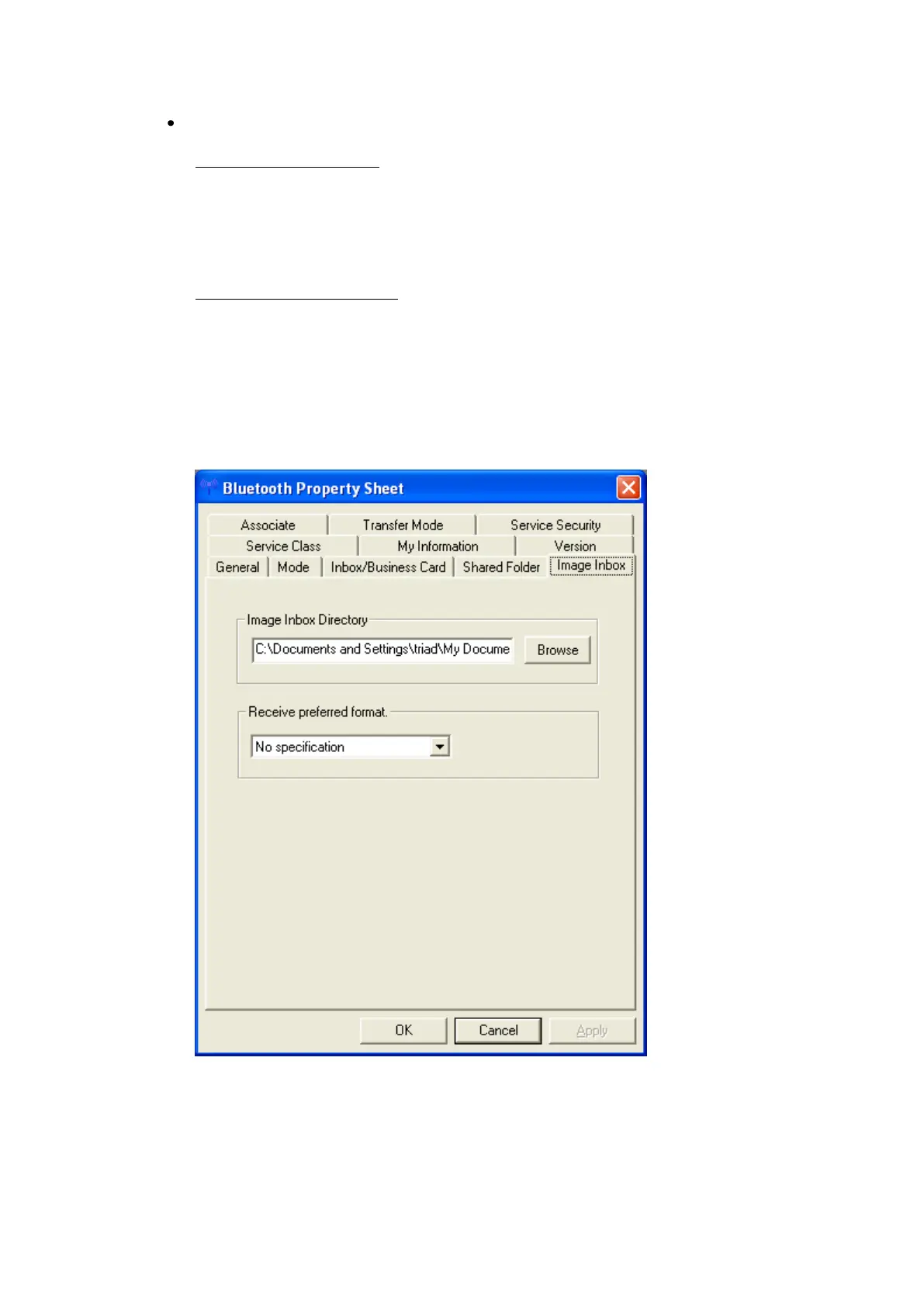
“Image Inbox” offers a choice:
Image Inbox Directory:
Sets the location of Image Box” folder (where image data that has been
received will be saved) on the hard drive.
Click the [Browse] button to open Browse folders” window. Specify the
directory where you wish Image Box” to be located, and then click the
[OK] button.
Receive preferred format:
Converts images into a specified format for transmission.
When no format has been specified, the image will be automatically
converted into the appropriate format of the destination device.
- JPEG 160 x 120
- JPEG 320 x 240
- JPEG 640 x 480
- JPEG 800 x 600
- JPEG 1024 x 768



 To Next Page