Copyright © 2005 Toshiba Corporation
All rights reserved
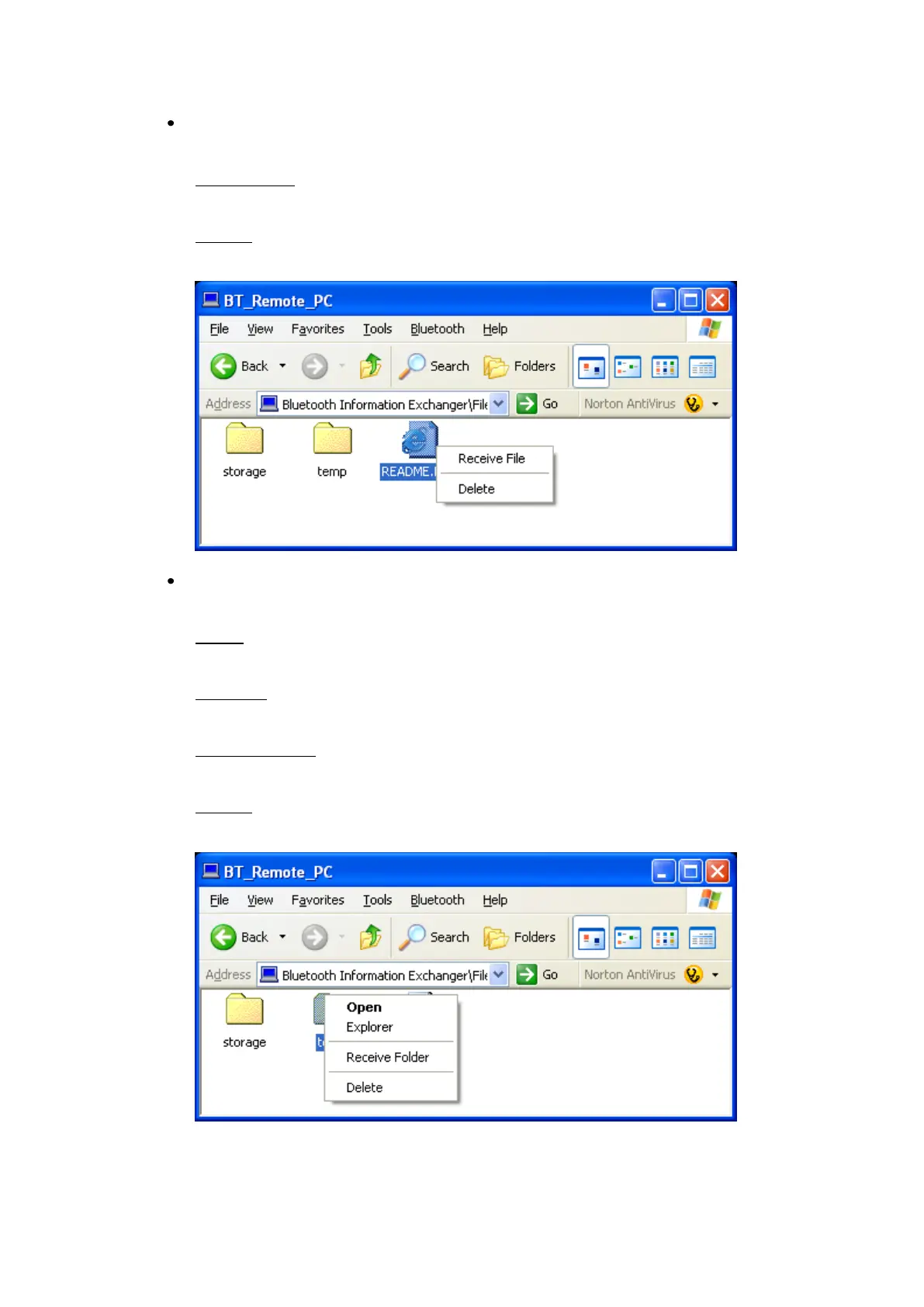
Right clicking on a file in the remote directory displays a context menu
with the following entries:
Receive File:
Copy the file from the remote device the local device.
Delete:
Deletes the file on the remote device.
Right clicking on a folder in the remote directory displays a context menu
with the following entries:
Open:
Displays the subfolder directory.
Explorer:
Opens the Explorer.
Receive Folder:
Copies the folder from the remote device to the local device.
Delete:
Deletes the folder on the remote device



 To Next Page