Copyright © 2005 Toshiba Corporation
All rights reserved
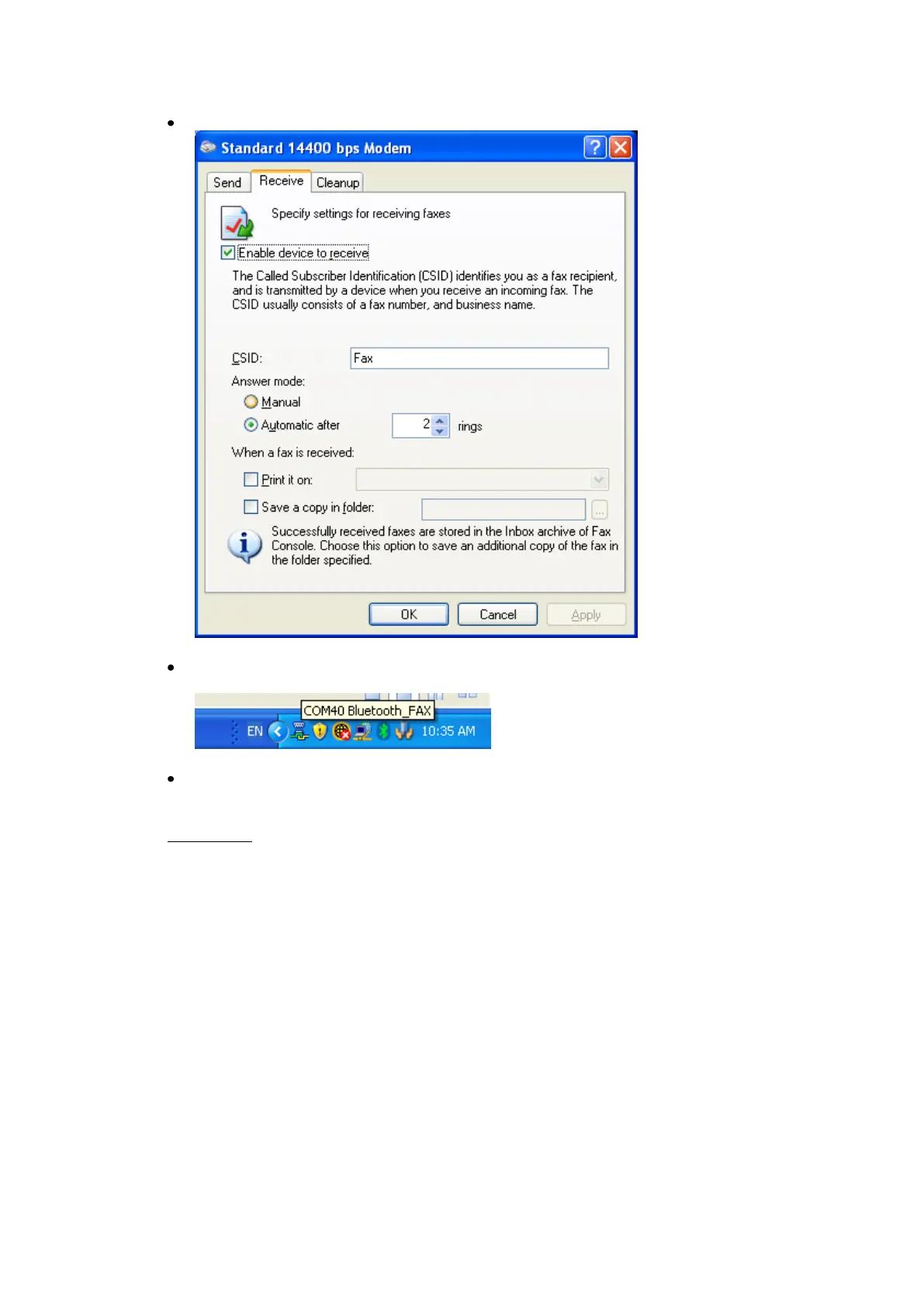
Configure Receive” properties
If you have selected to automatically receive faxes, a Bluetooth™
connection ICON will appear in the tray bar.
Now you can use your fax device in the same way as a usual printer.
Limitation:
If automatic FAX receiving is enabled on Microsoft
®
FAX manager and DUN,
FAX, or LAP profile ICON is registered on "Bluetooth Settings", then it may
take a couple of minutes to turn on Bluetooth on resume from standy.



 To Next Page