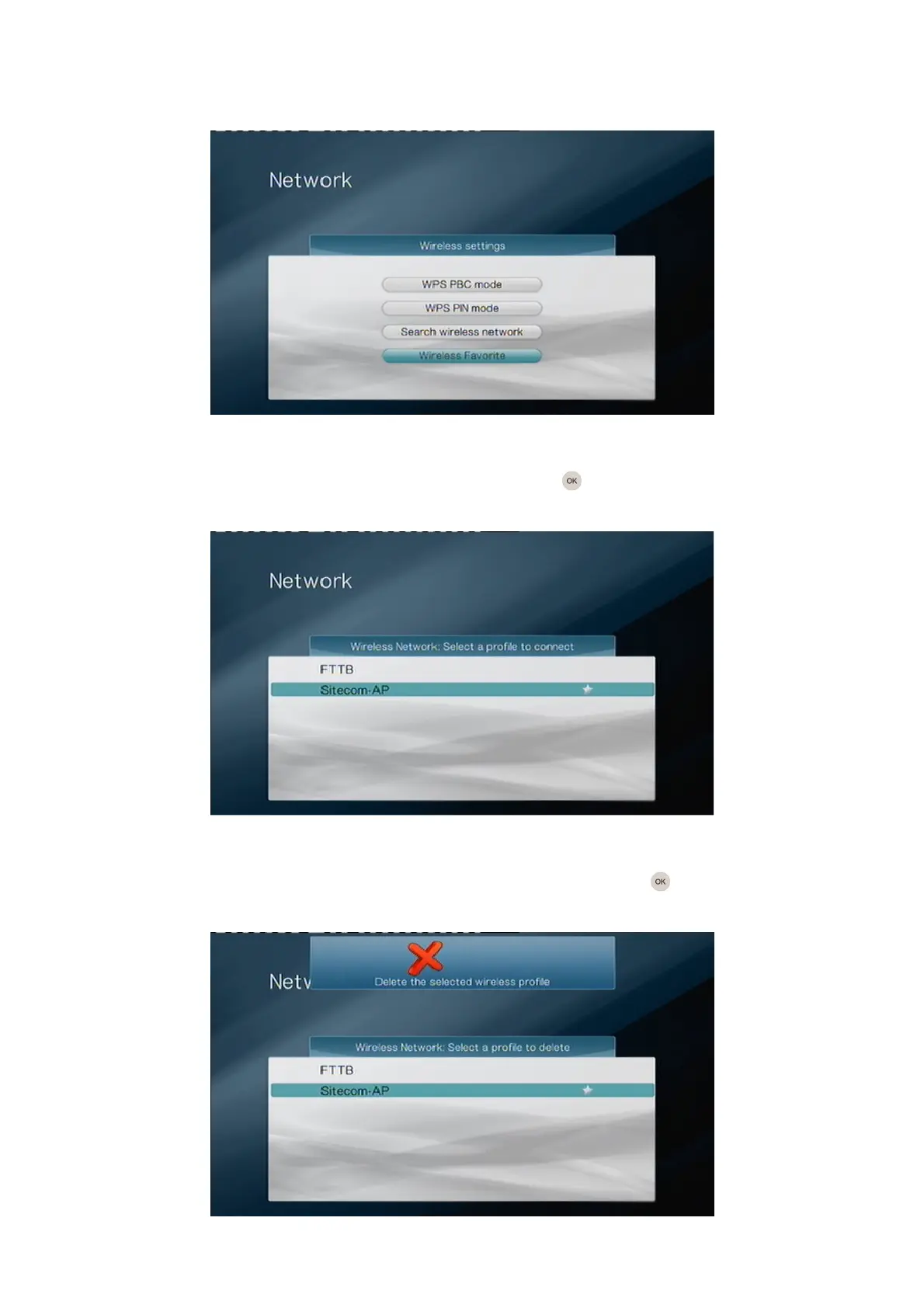
6. Wireless Favorites
The TV Media Player saves the settings for every network it’s made a successful
connection to in the past. The maximum number of profiles that can be stored is 10.
Select the option “Wireless Favorite” and press the OK button on the remote control
if you want to manage the connections.
You’ll see a list of the profiles the TV Media Player has stored. The star icon next to the
profile shows to which network the TV Media Player is currently connected. If you want to
connect to a different network, select the network and press the OK button on the
remote control.



 To Next Page